

EstateSaleFinder is a free app for estate sale shoppers. You find estate sales near you on a map or list, search item photos by keyword, save sales, pin items with Remind Me, get wishlist alerts, put sales in driving order with Add to Route, message sellers about an item, make Pre-Offers before a sale opens, book pickup times and make after-sale offers on unsold items.
The shopper's manual
How to shop estate sales with EstateSaleFinder
Every shopper tool, in the order you'll use it: find a sale, plan the route, ask the seller, offer before doors open, and pick up. Short steps, with the real screens moving below.
Chapter 1 · Find sales near you
How do I find estate sales near me?
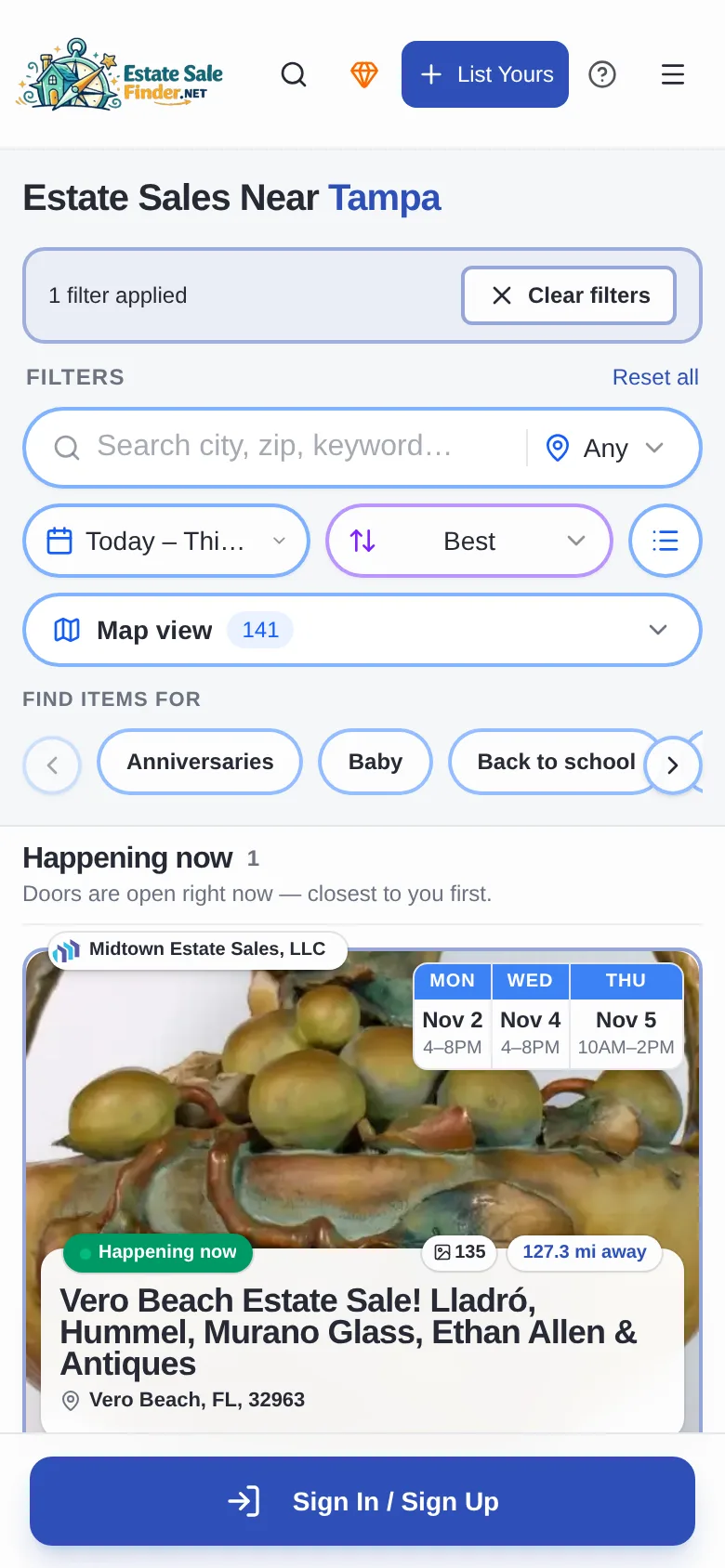
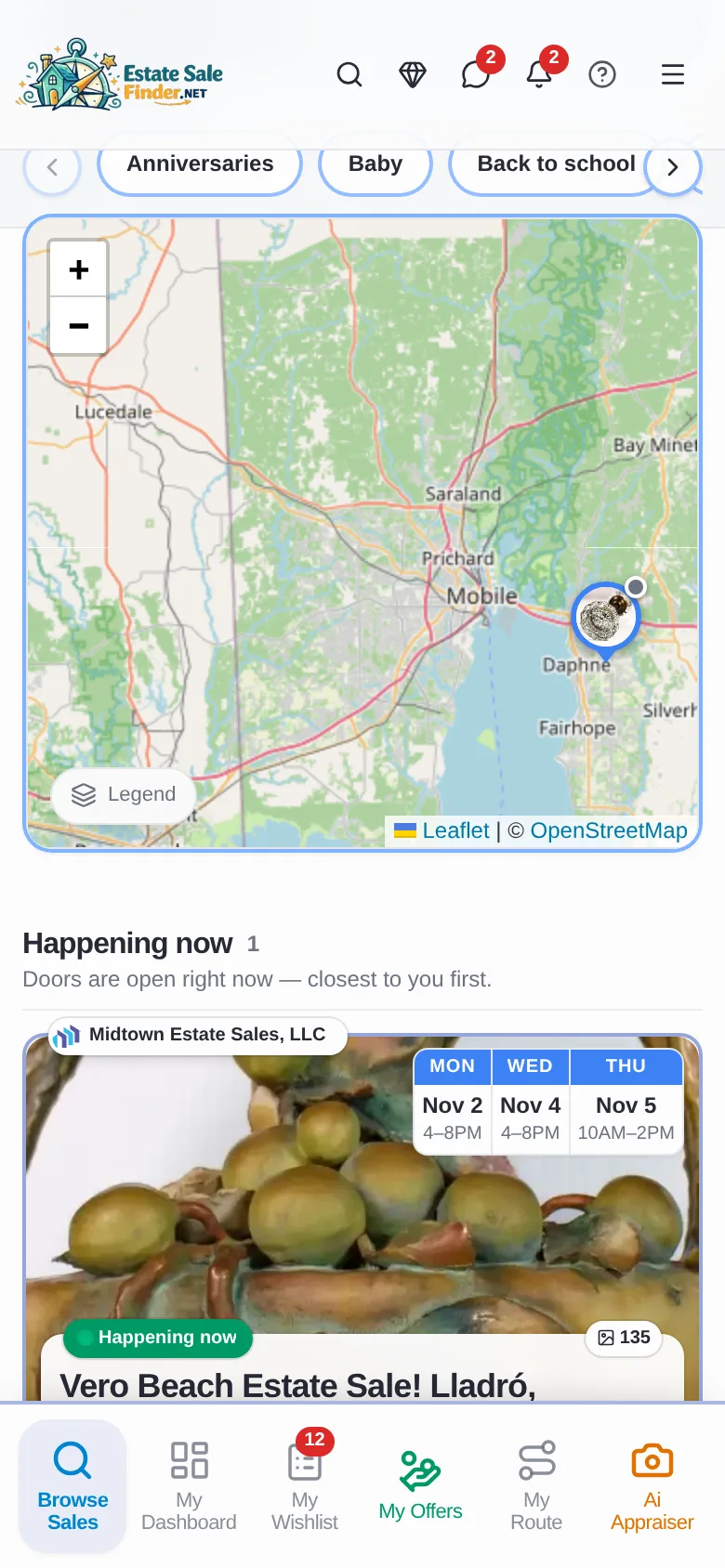
Open Browse Sales and tap Near Me. Share your location or type a ZIP code, and every listed sale shows closest first, with dates, hours, photos and distance.
- 1Tap Browse Sales, then Near Me.
- 2Tap Share My Location, or enter your ZIP code and tap Go.
- 3Use the date filter (Today – This Weekend) and Best sort to narrow the list.
- 4Tap Map view to see every sale on the map.
Where to find it: Browse Sales, the first button in the bottom bar.
Browse estate sales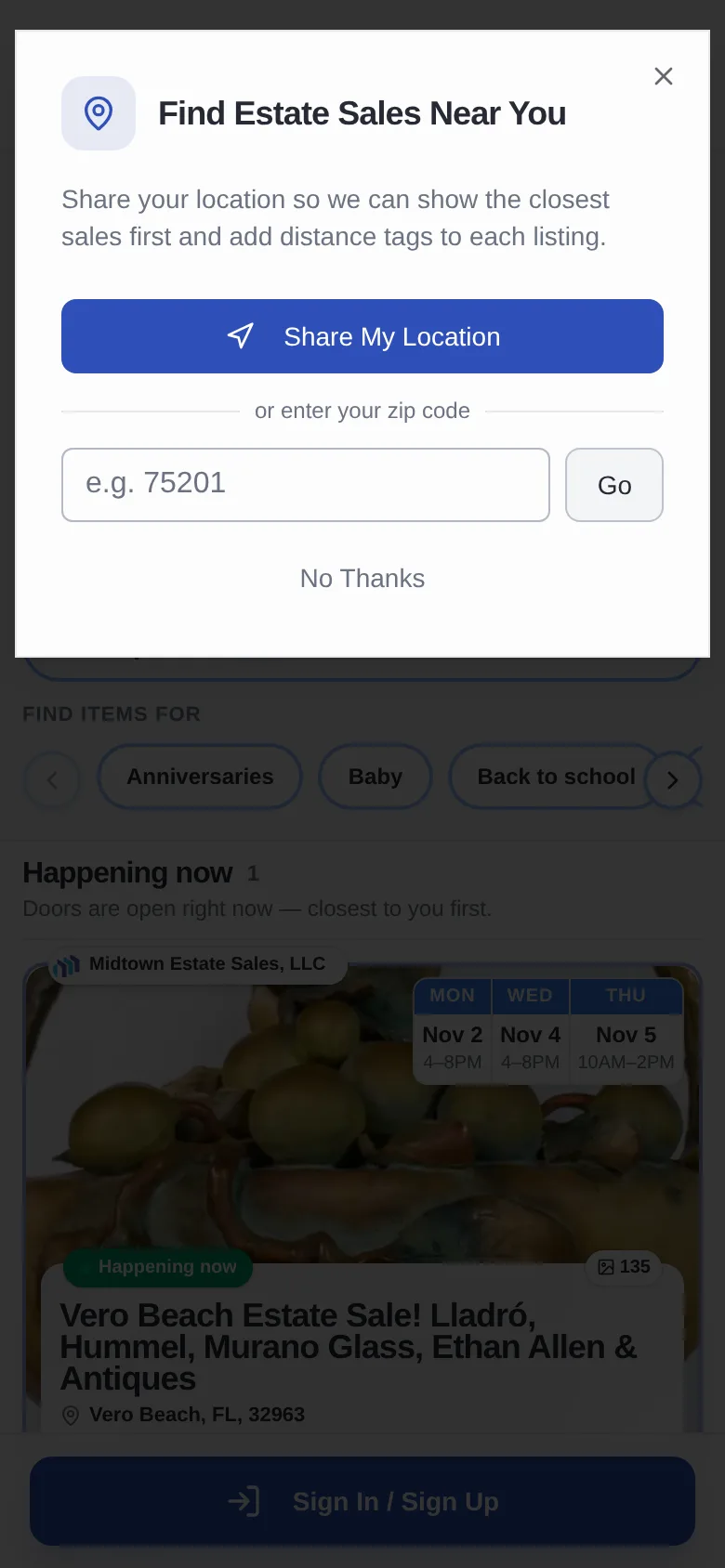
Chapter 2 · Keyword search
Can I search for a specific item across estate sales?
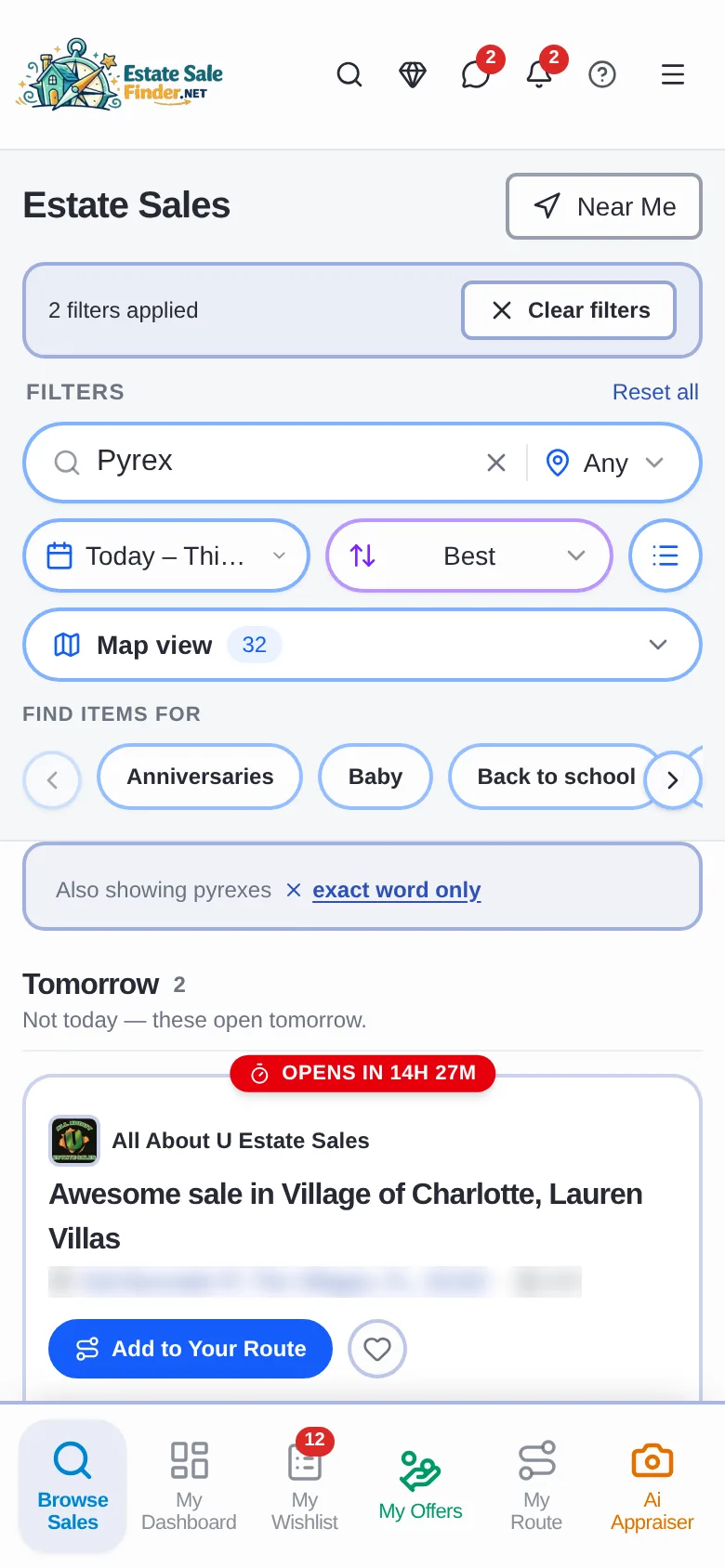
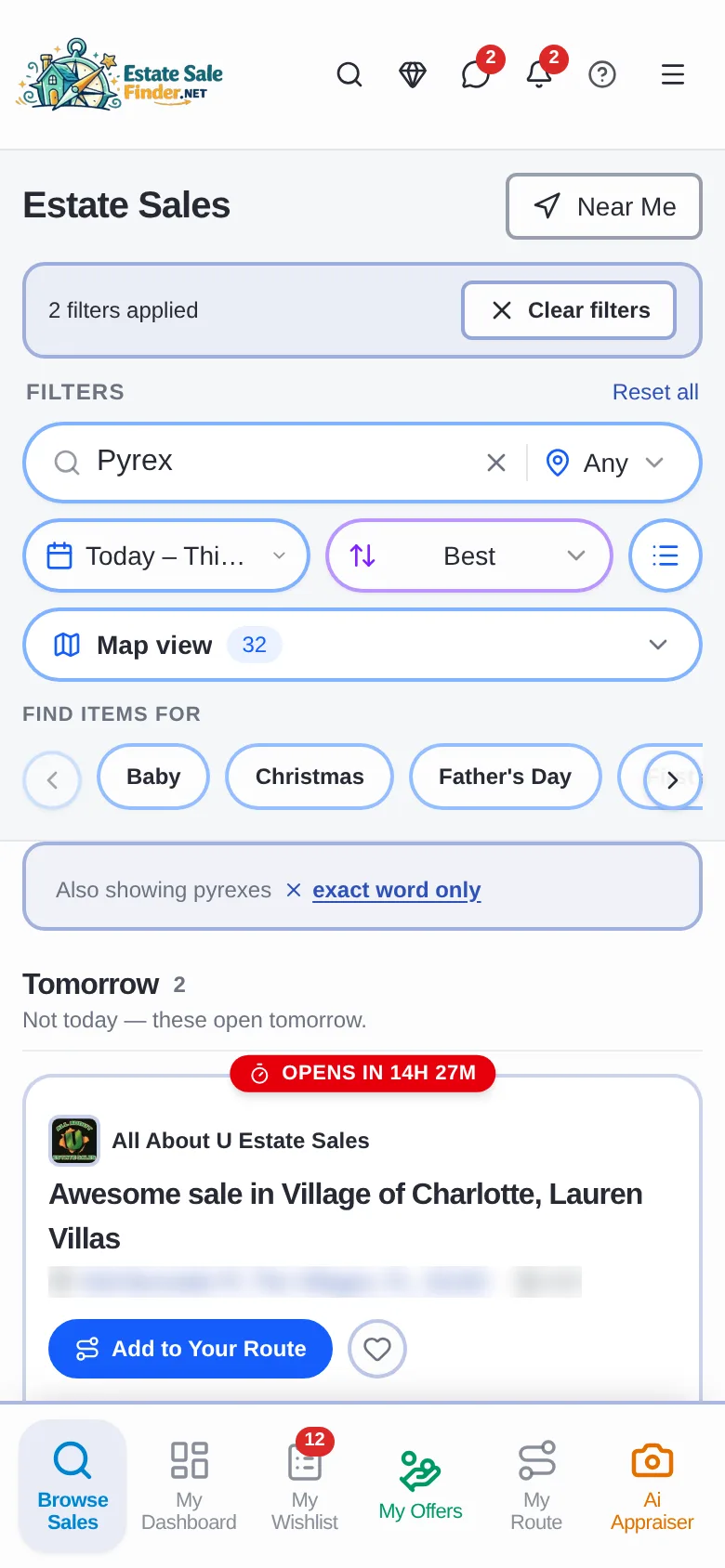
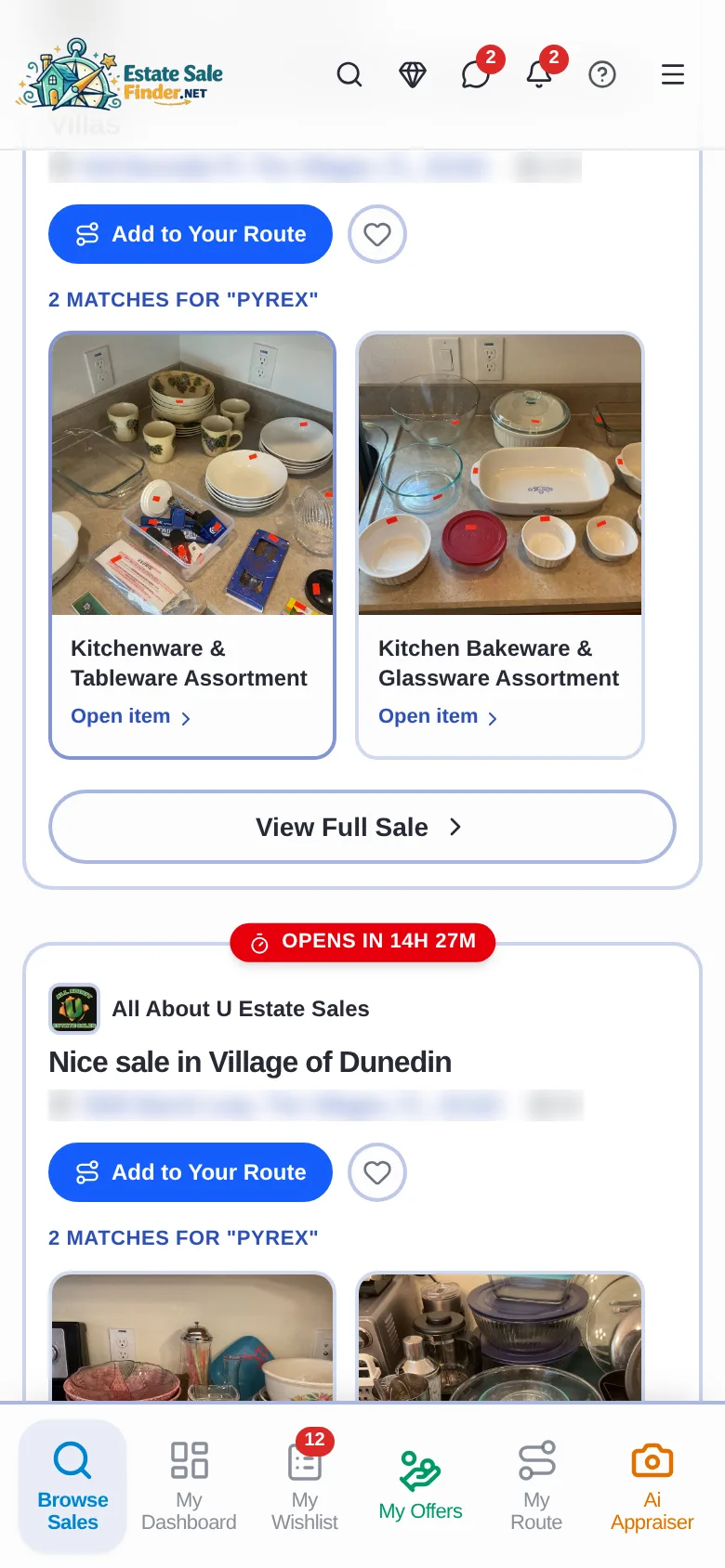
Type what you collect, like Pyrex, in the Browse search box. Each sale shows how many matching items it has, with photos you can open.
- 1Type a keyword in Search city, zip, keyword.
- 2Each sale card shows its matches, like 2 matches for "Pyrex".
- 3Tap Open item to see it, or Add to Your Route to plan the stop.
- 4Tap exact word only if you don't want close spellings.
Where to find it: Search box at the top of Browse Sales.
Chapter 3 · Browse a sale
What is on an estate sale page?
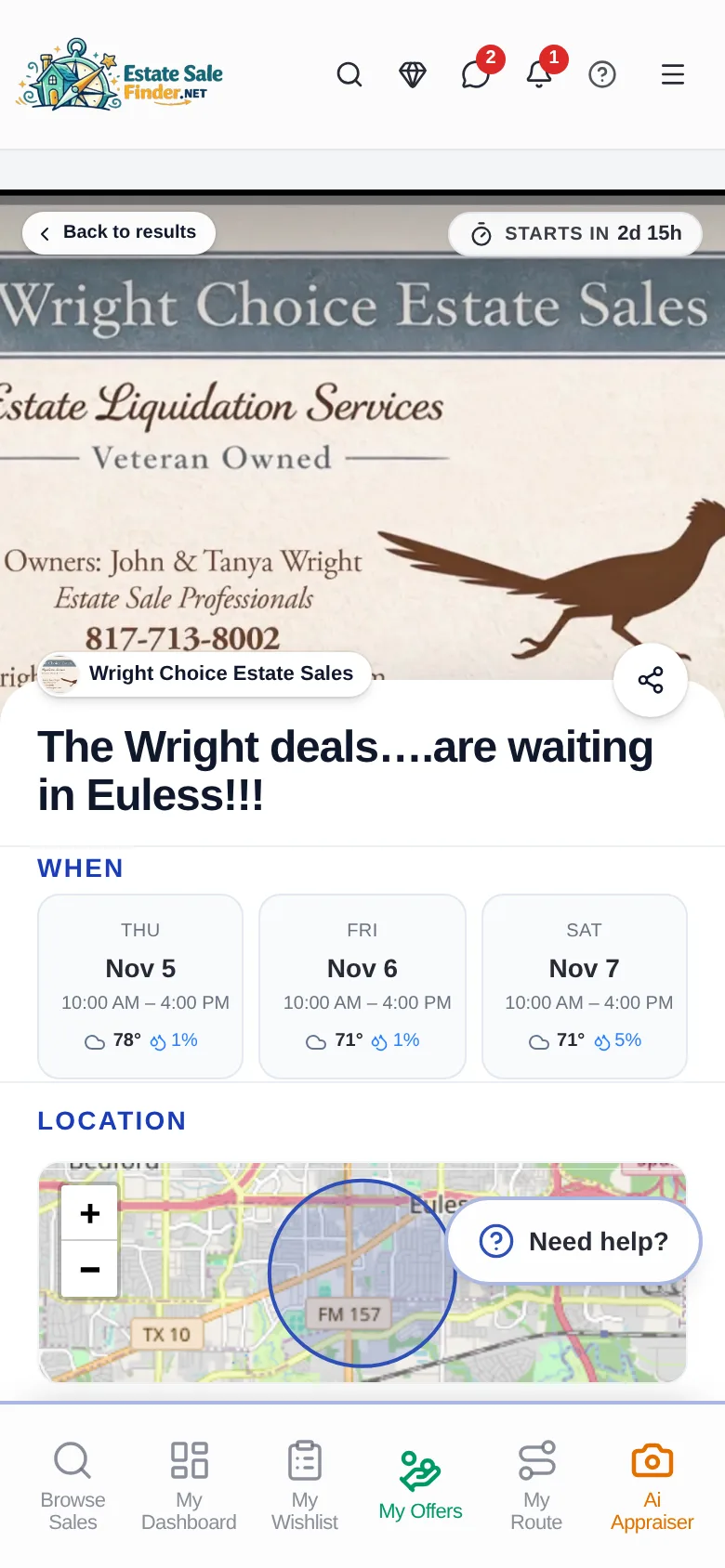
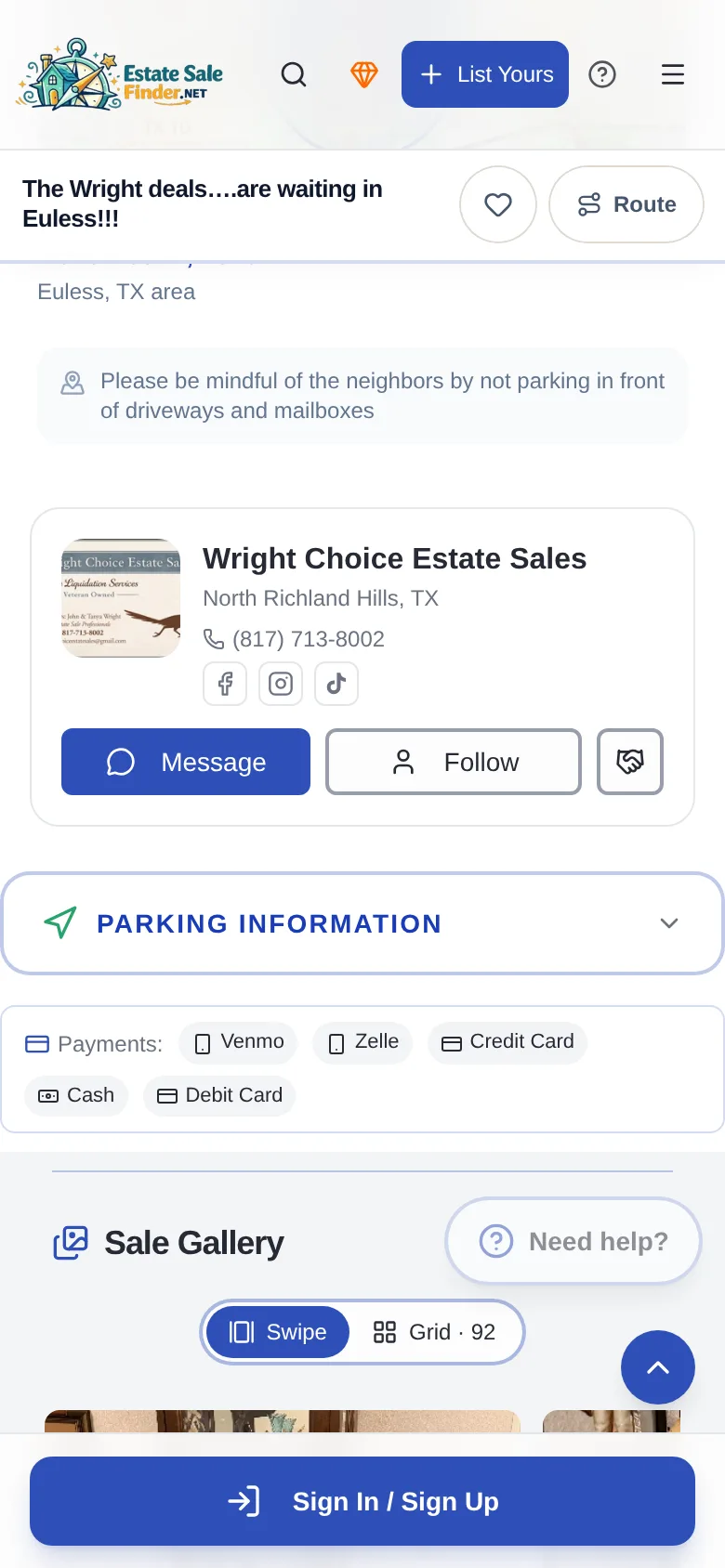
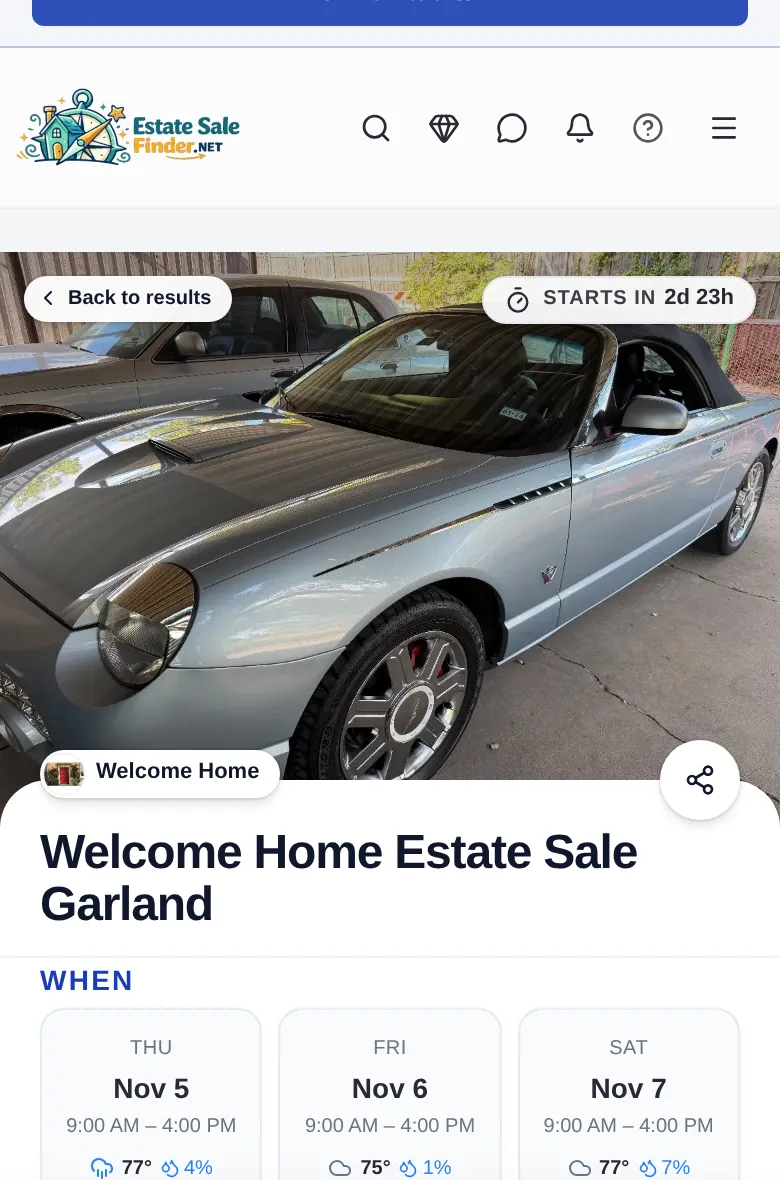
A sale page shows a countdown, every sale day with its hours and weather, the location, parking notes, payment types, the company, and every item photo.
- 1Check WHEN for each day's date and hours.
- 2If the address is hidden, the page says when it will show.
- 3Read parking notes and the payments the seller takes.
- 4Scroll All Items, or switch the gallery between Swipe and Grid.
Where to find it: Tap any sale card.
Chapter 4 · Save and Remind Me
How do I remember an item at an estate sale?
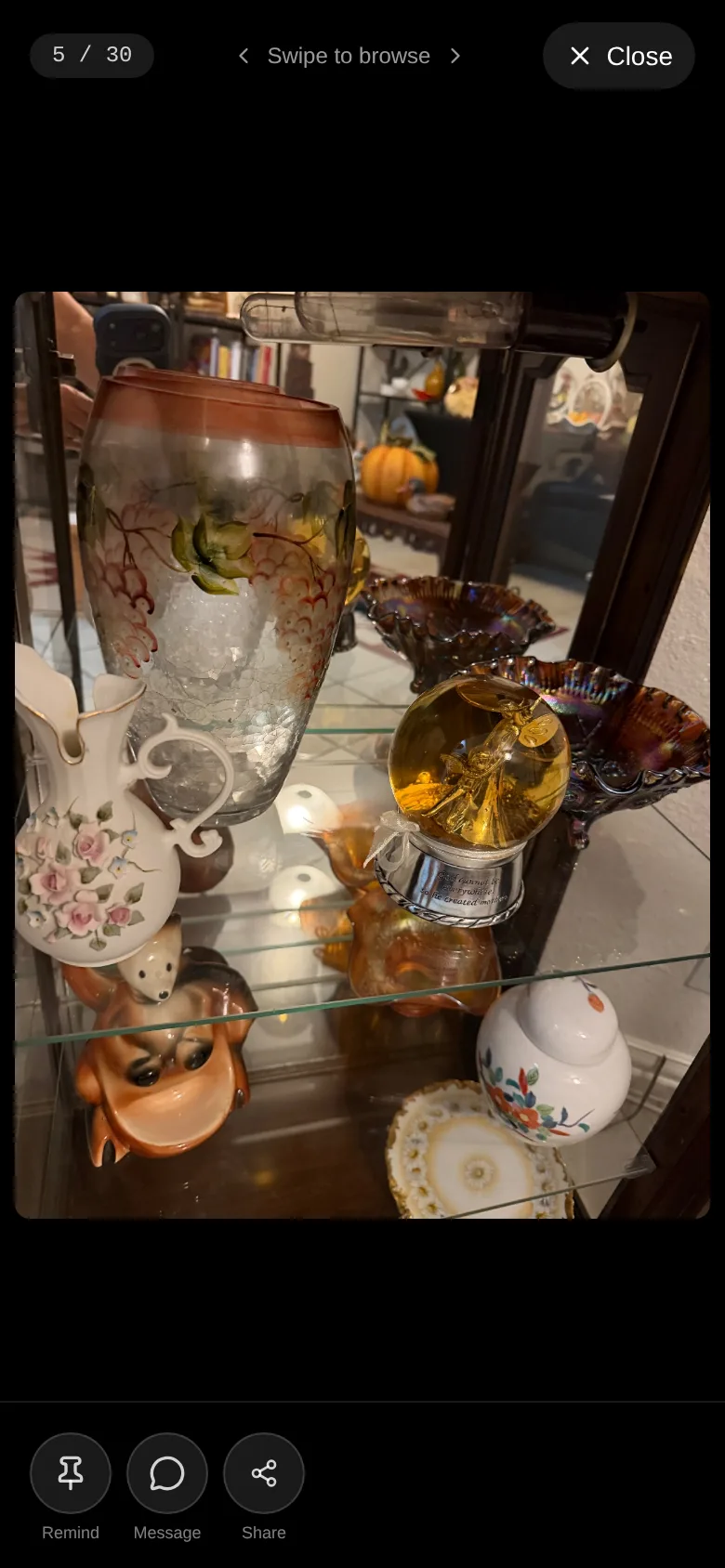
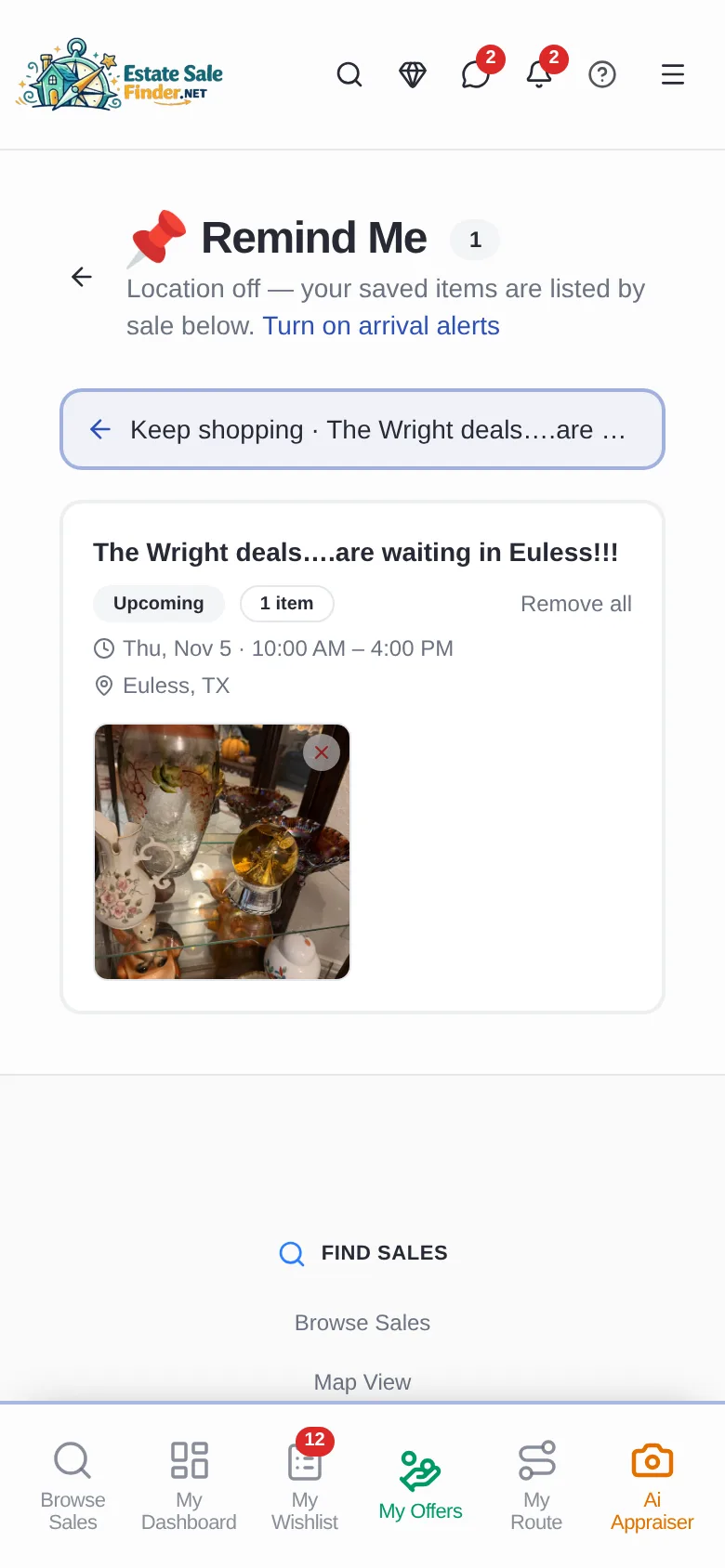
Tap the heart to save a sale. Tap Remind on an item photo and it goes to Remind Me, which can remind you when you arrive at the sale.
- 1Open an item photo and tap Remind.
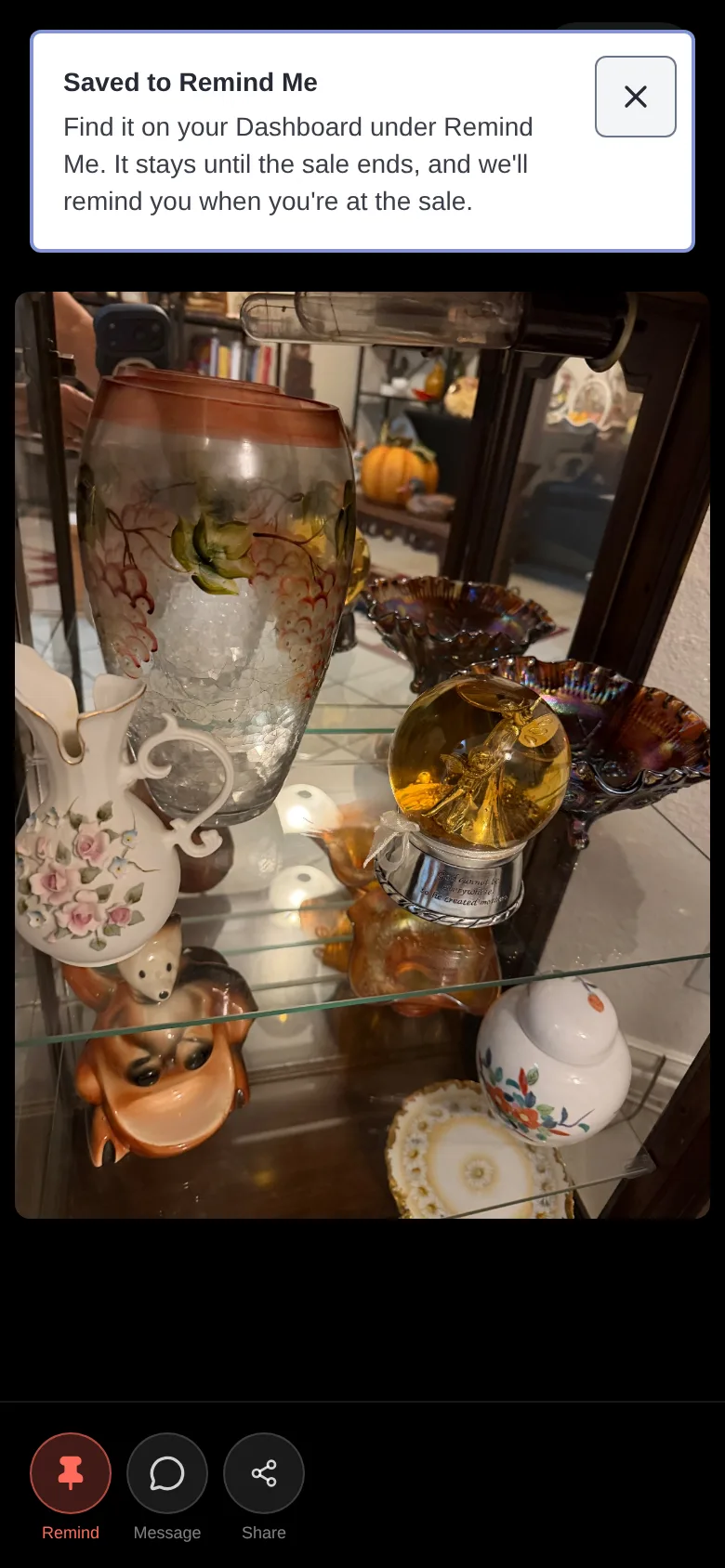
- 2You'll see Saved to Remind Me. It stays until the sale ends.
- 3Open Remind Me to see saved photos, grouped by sale.
- 4Turn on arrival alerts to get reminded when you're at the sale.
Where to find it: Remind button on every item; Remind Me in your Dashboard.
Chapter 5 · Wishlist alerts
How do estate sale wishlist alerts work?
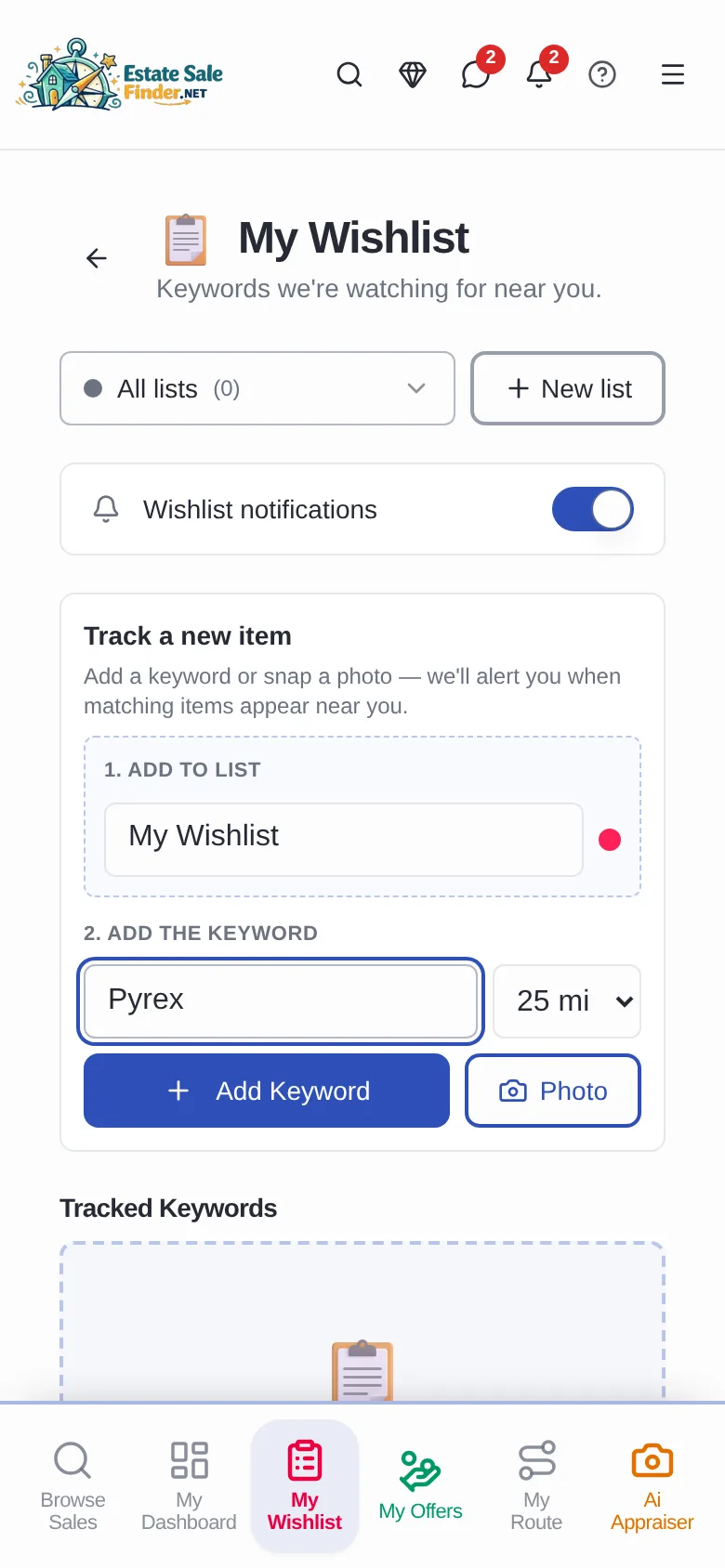
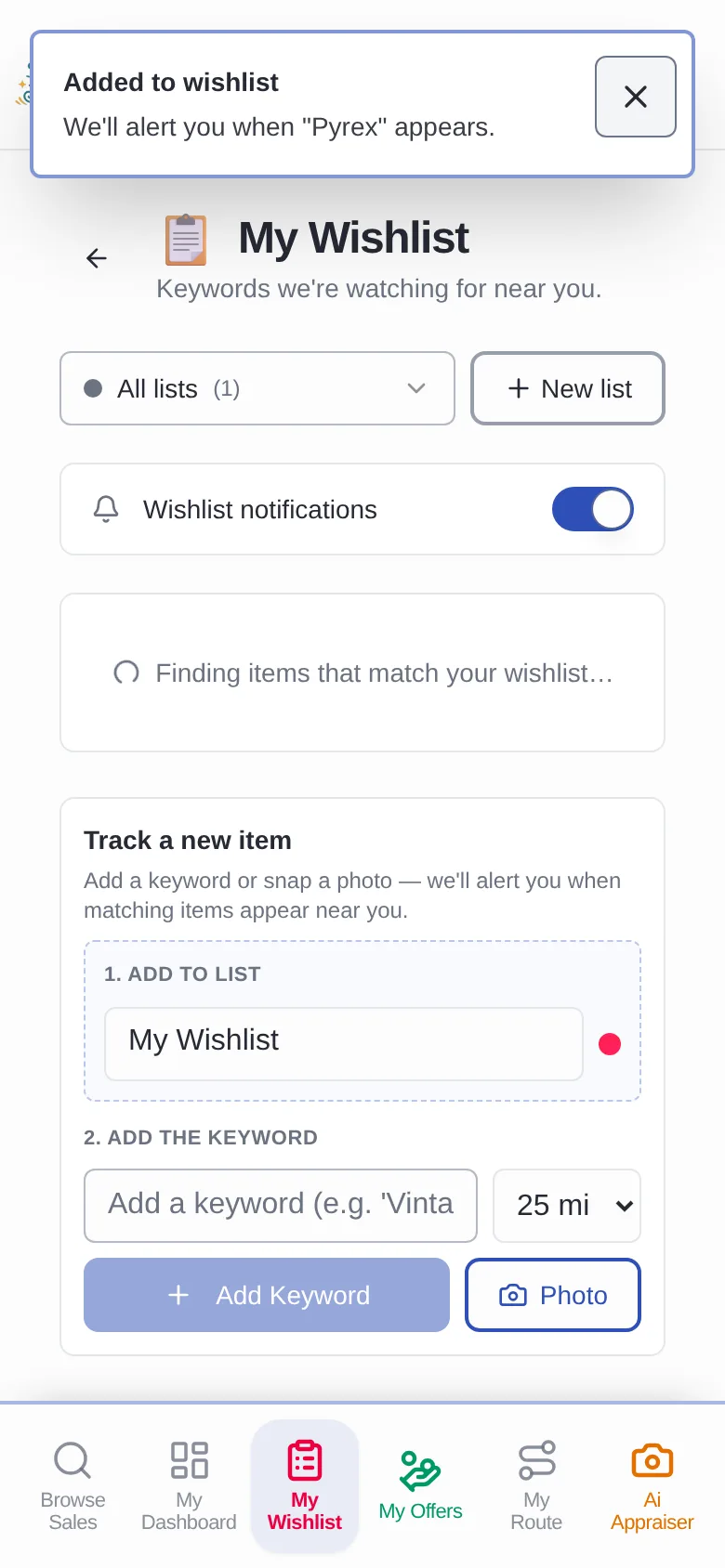
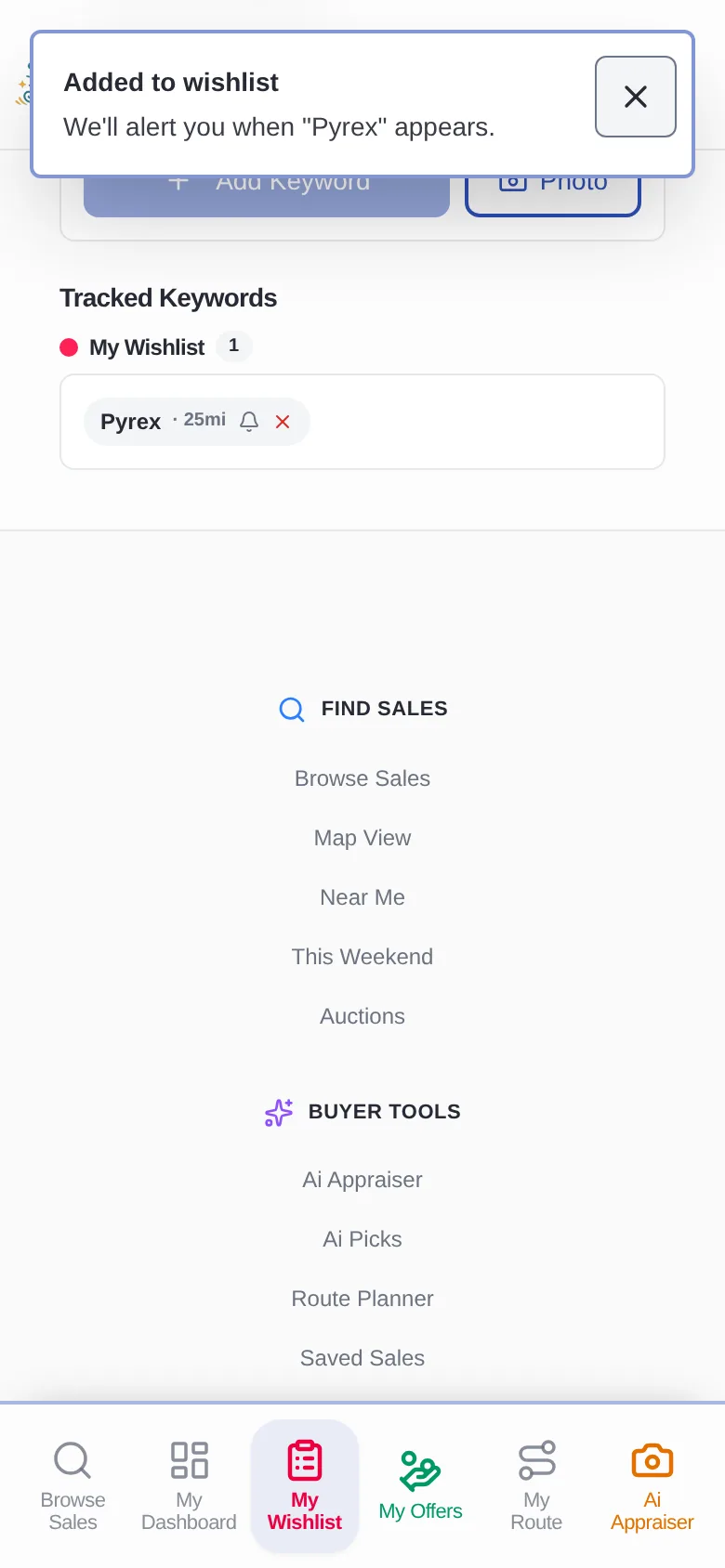
Add a keyword or snap a photo, pick how far to look, and EstateSaleFinder alerts you when matching items appear at sales near you.
- 1Open My Wishlist and keep Wishlist notifications on.
- 2Pick a list, type a keyword like Pyrex, and choose a distance.
- 3Tap Add Keyword, or Photo to track something by picture.
- 4Your keywords appear under Tracked Keywords.
Where to find it: My Wishlist in the bottom bar.
Open My Wishlist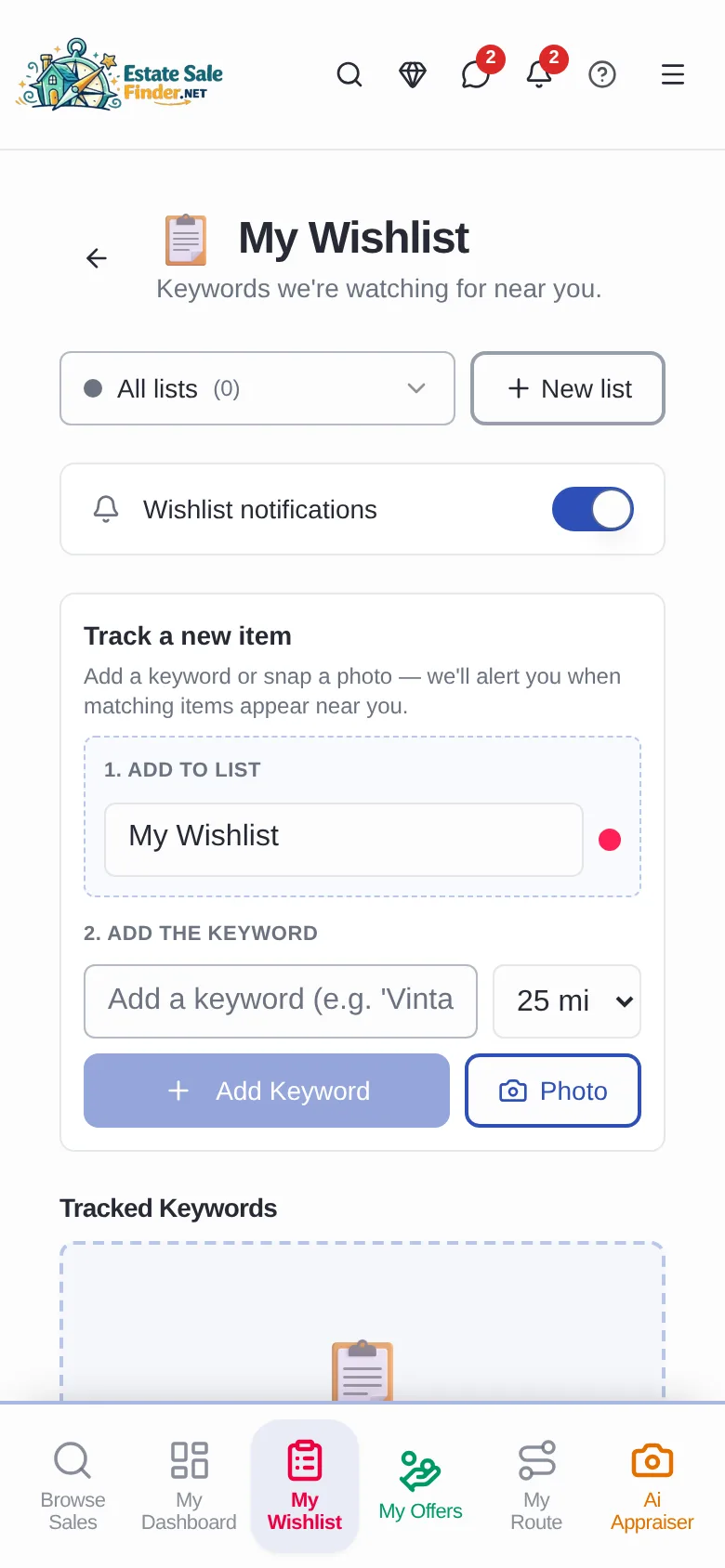
Chapter 6 · Add to Route
How do I plan an estate sale route?
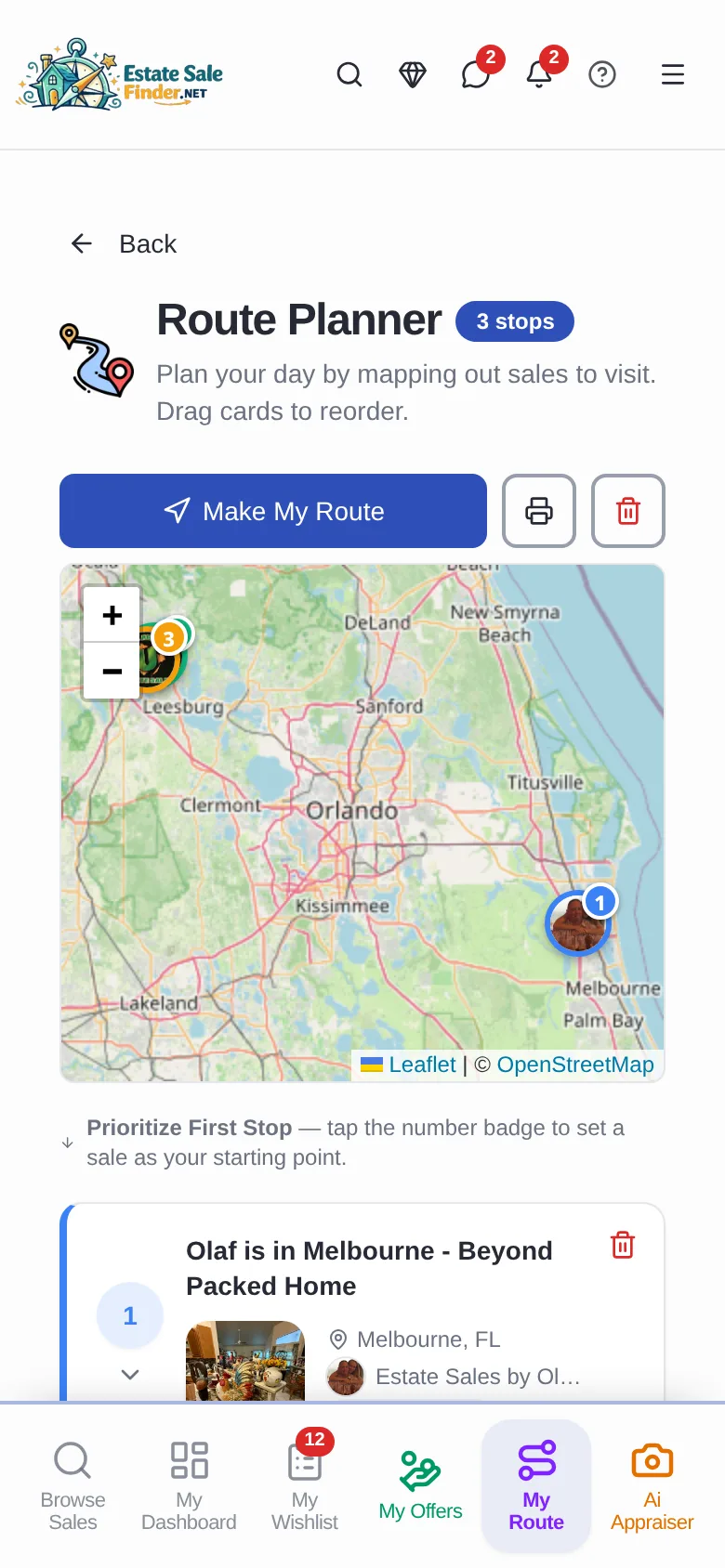
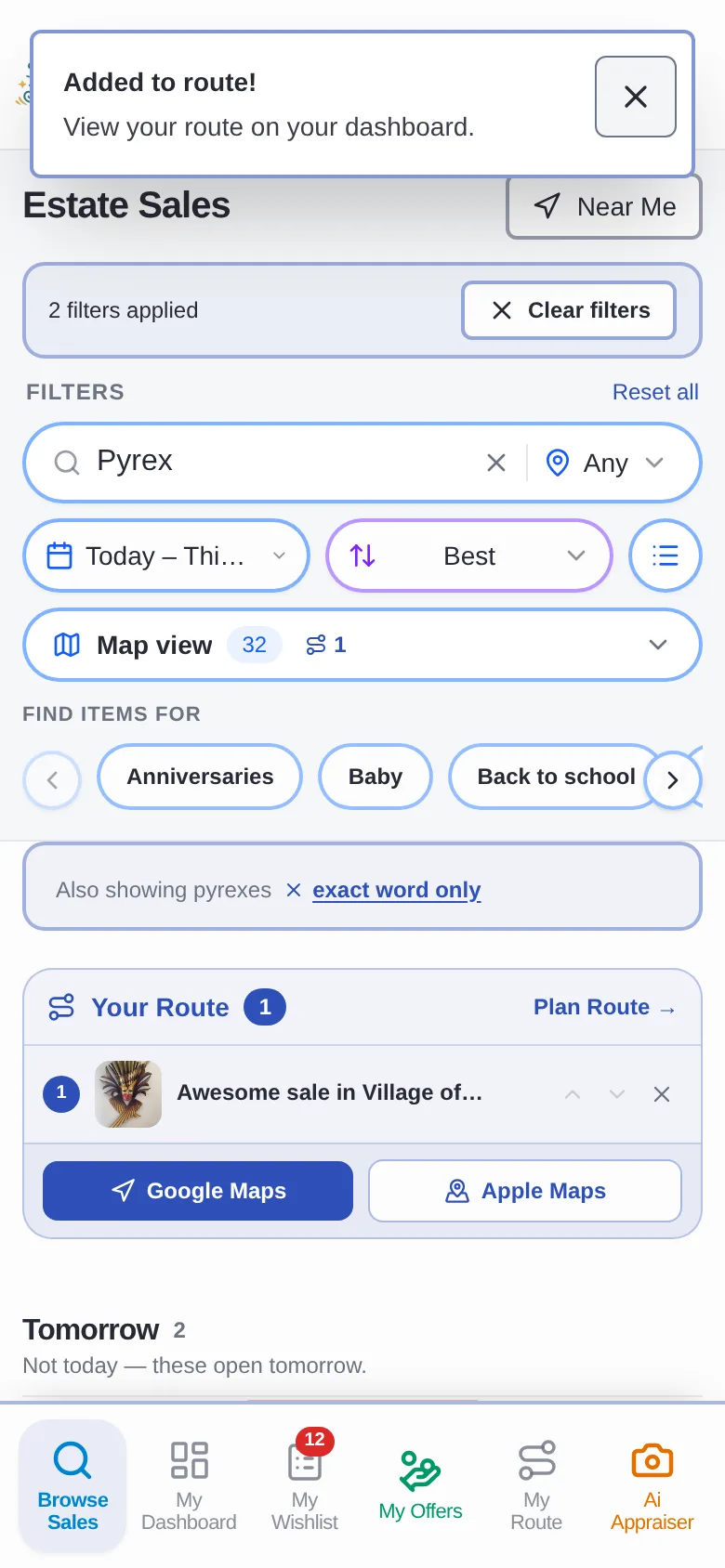
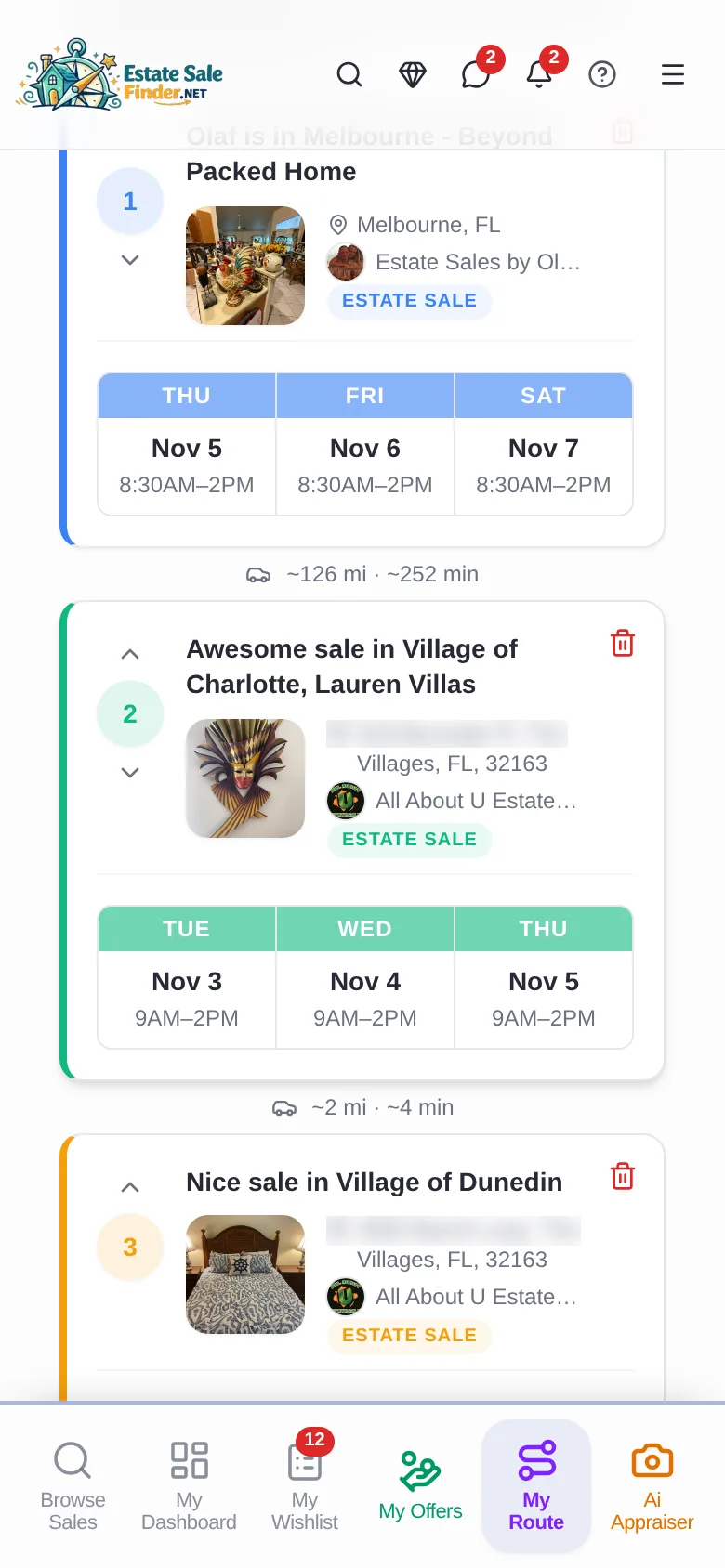
Tap Add to Your Route on each sale. The Route Planner maps your stops with drive times, and opens the trip in Google Maps or Apple Maps.
- 1Tap Add to Your Route on every sale you want to visit.
- 2Your Route appears with Google Maps and Apple Maps buttons.
- 3Open My Route to see stops on the map with drive times.
- 4Use the arrows to reorder, then tap Make My Route.
Where to find it: Add to Your Route on sale cards; My Route in the bottom bar.
Open My Route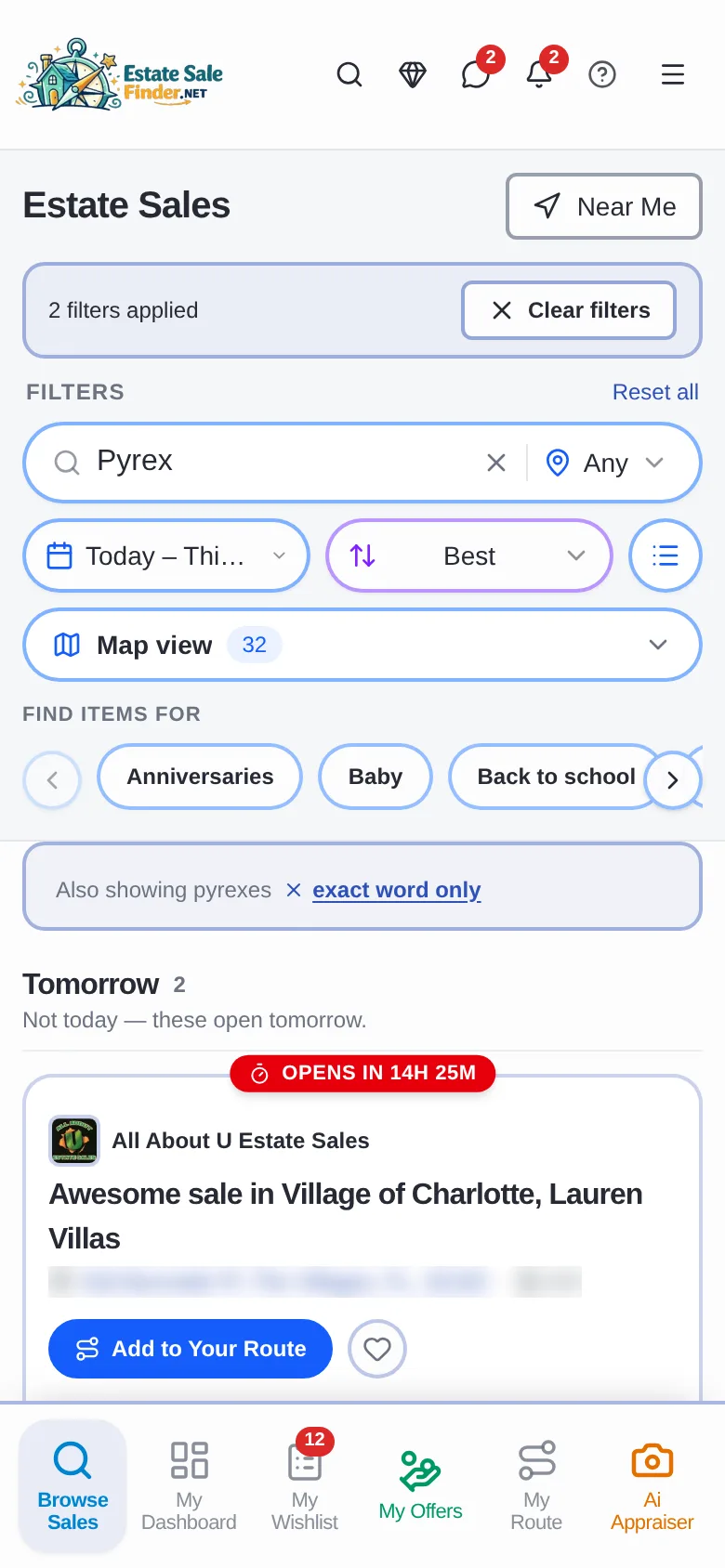
Chapter 7 · Message a seller about an item
Can I ask a seller about an item before the sale?
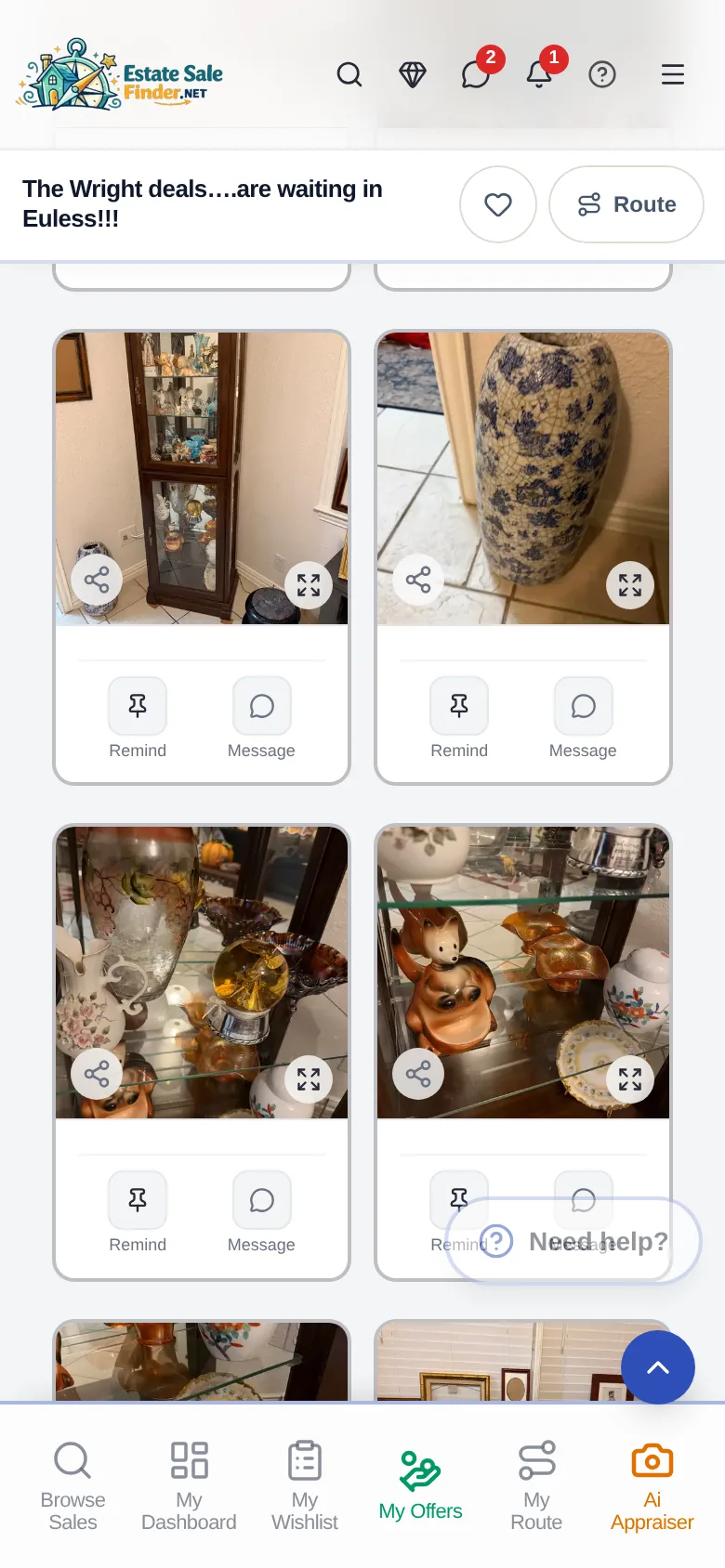
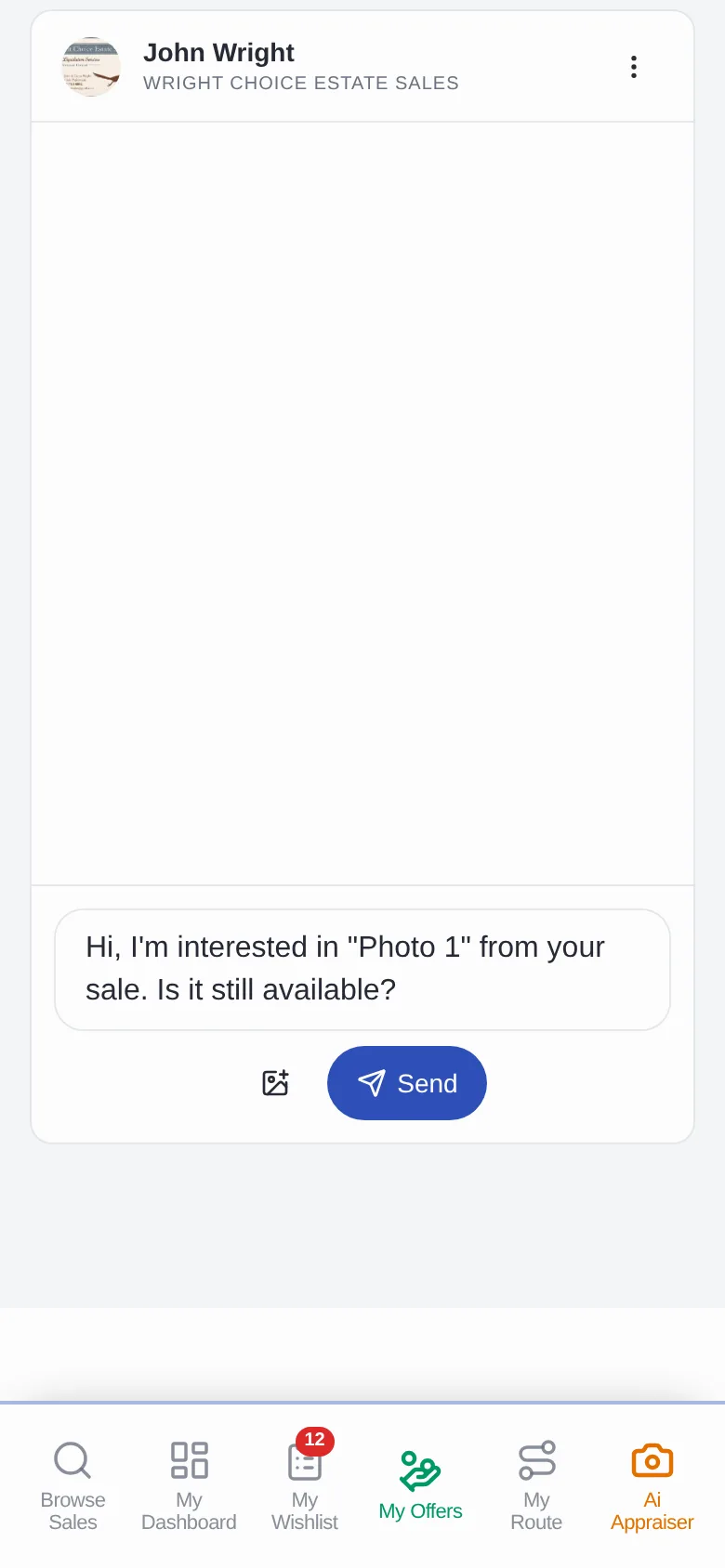
Tap Message under any item. The chat opens with the seller and a message about that photo, ready to edit and send.
- 1Tap Message under the item.
- 2The chat opens with the item already named.
- 3Edit the message and tap Send. Replies land in Messages.
Where to find it: Message button on every item.
Chapter 8 · Pre-Offers
How do estate sale Pre-Offers work?
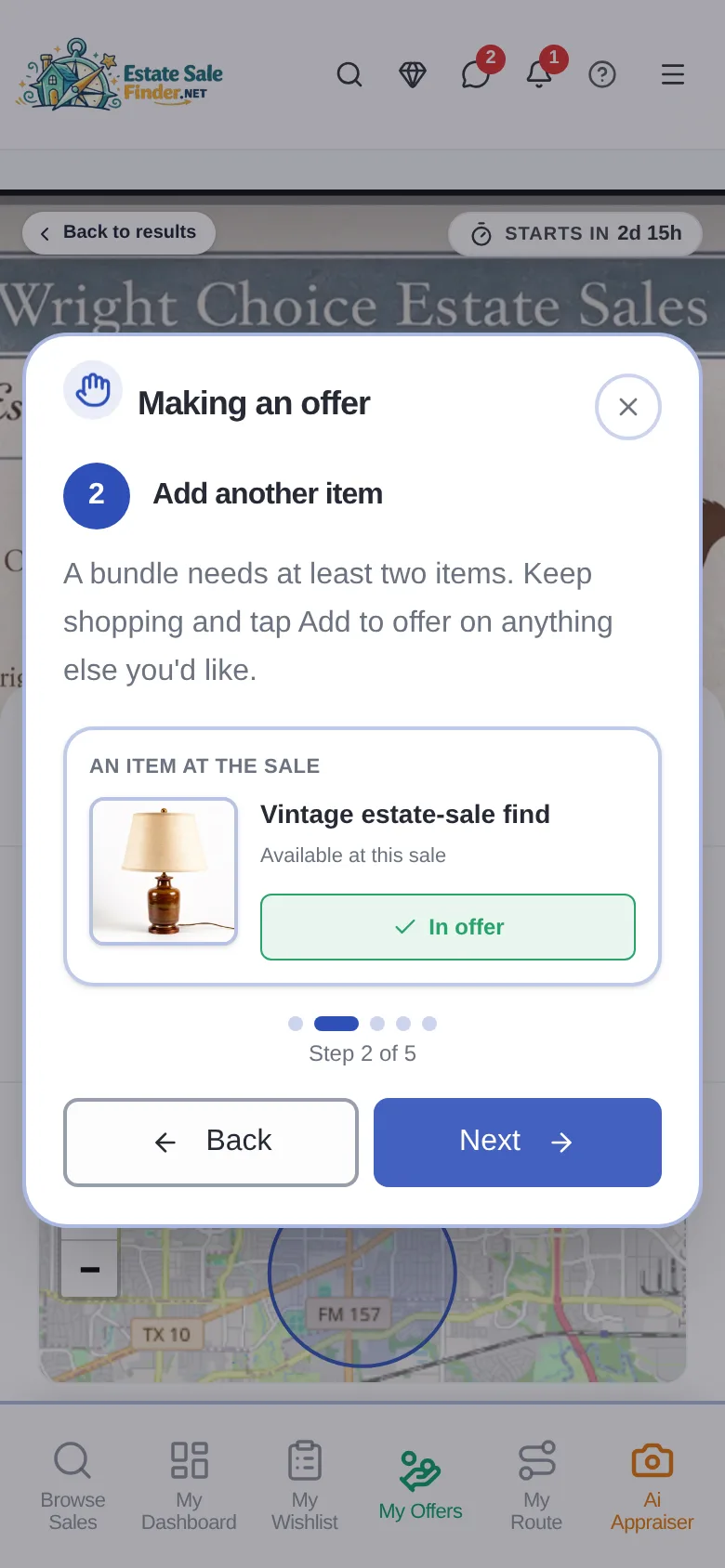
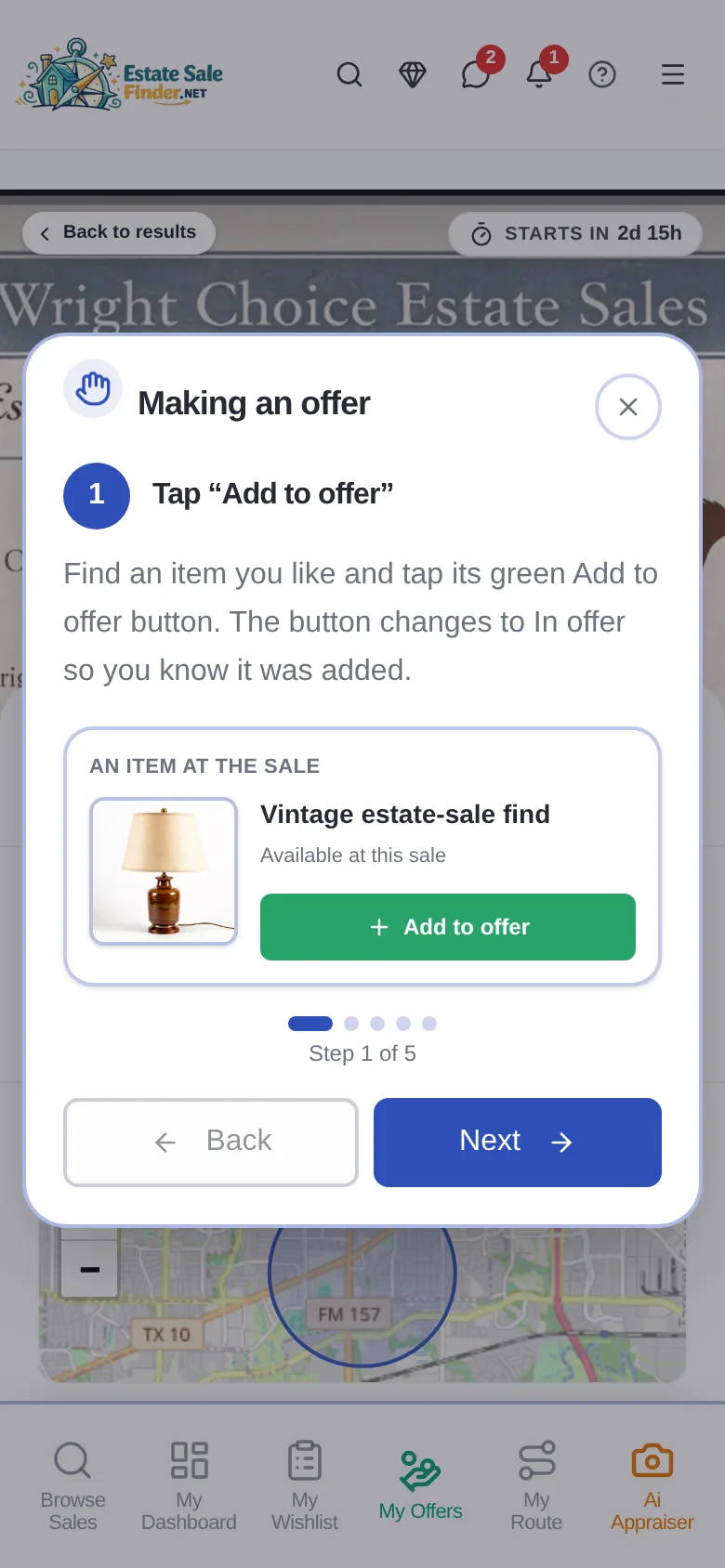
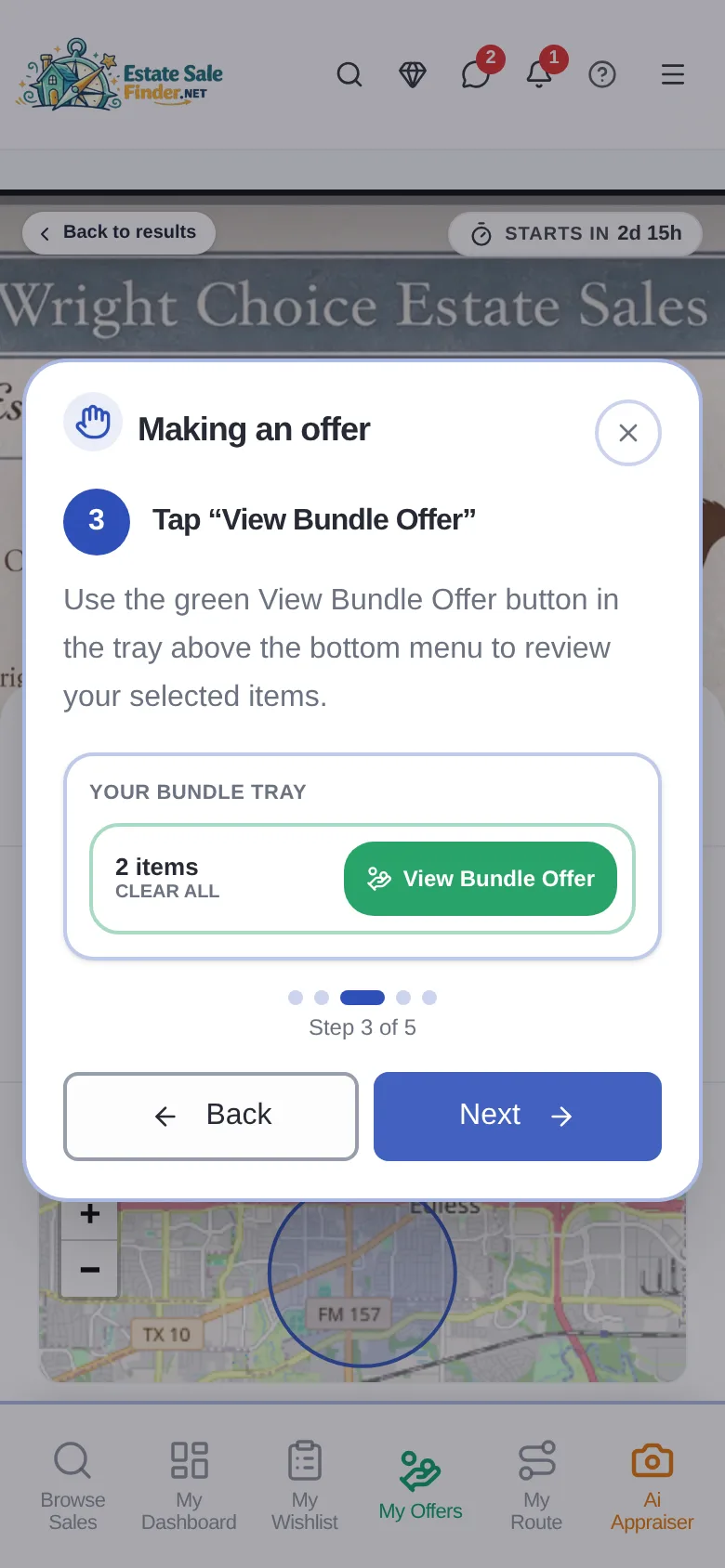
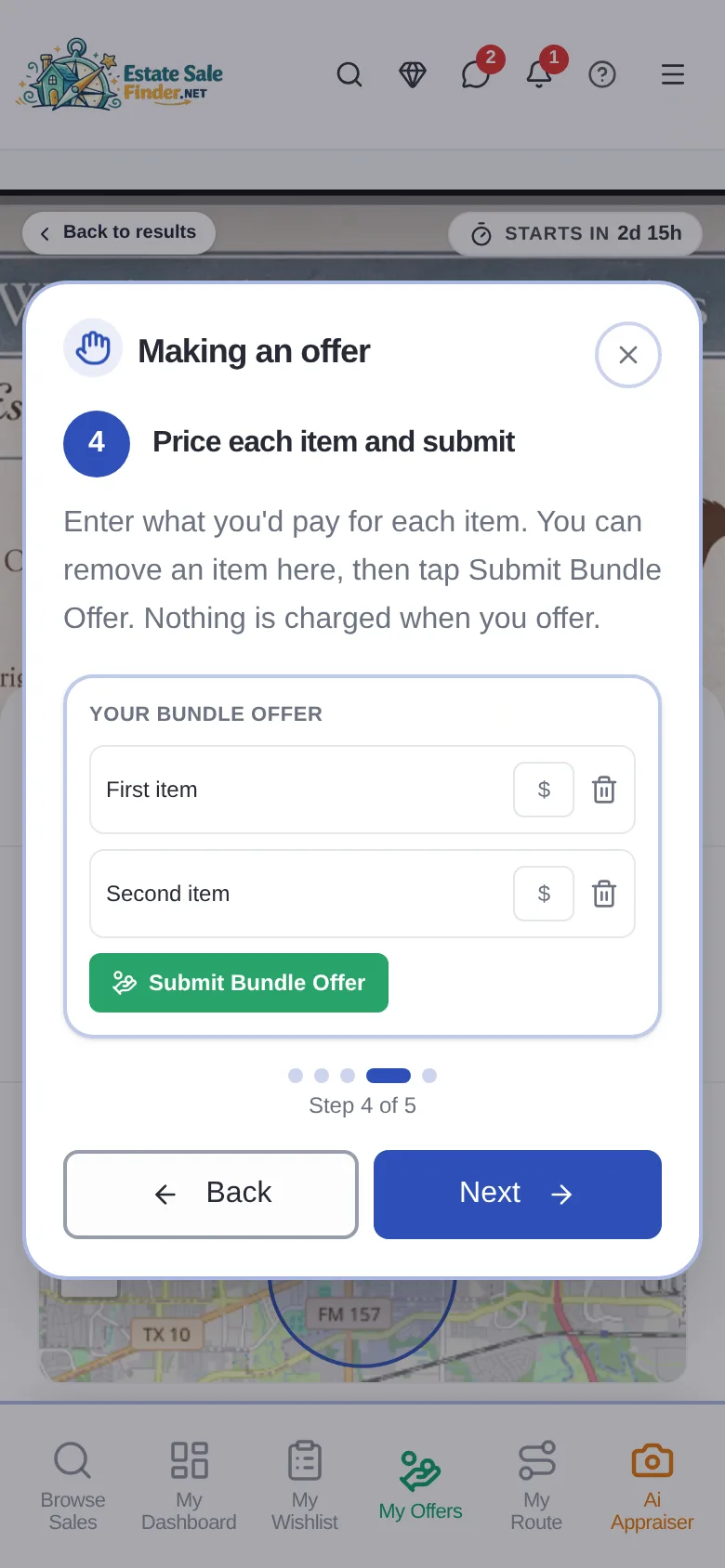
On sales that take offers, you add items to one offer before the sale opens, price each item and submit. Nothing is charged when you offer.
- 1Find an item and tap the green Add to offer button.
- 2Add at least one more item. A bundle needs at least two items.
- 3Tap View Bundle Offer in the tray at the bottom.
- 4Price each item and tap Submit Bundle Offer.
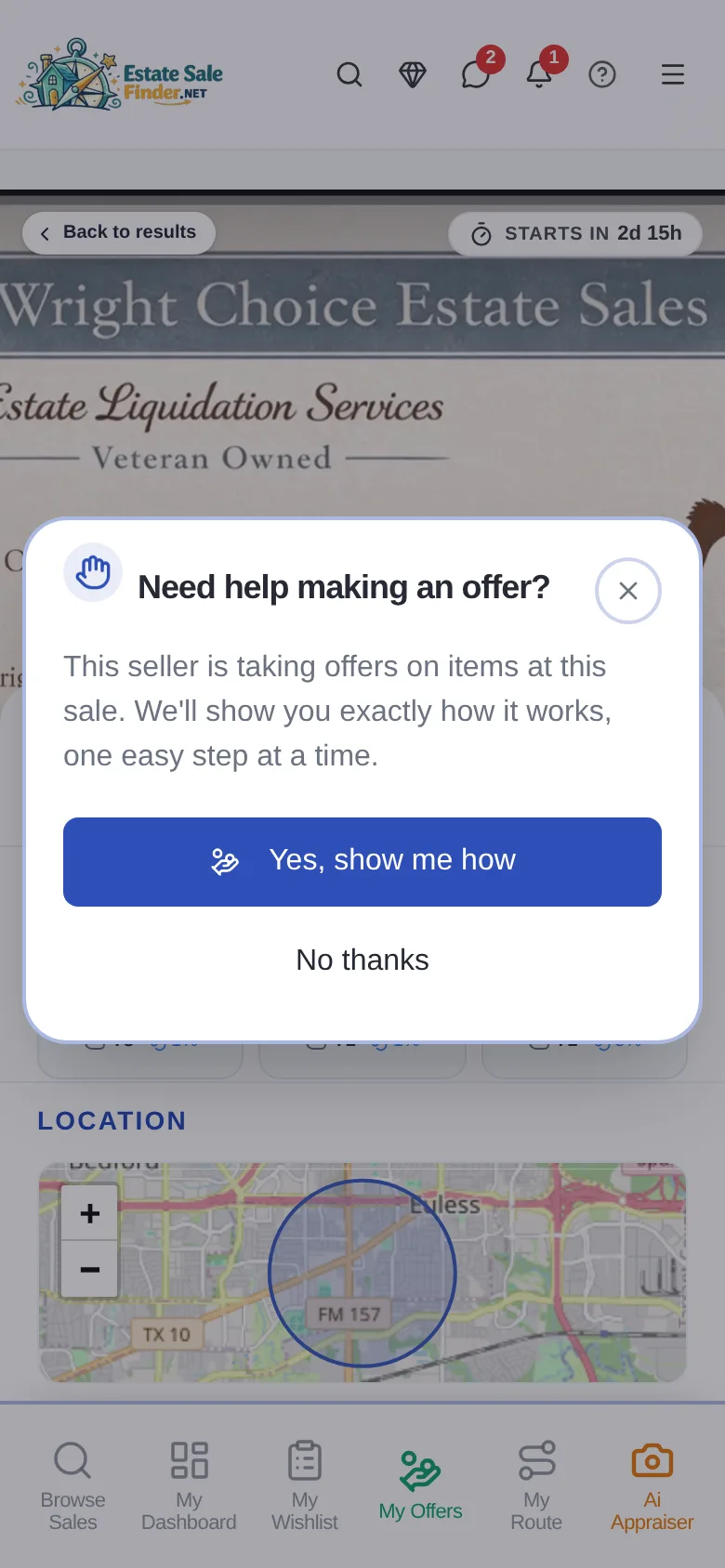
Where to find it: Add to offer on items, while the seller's offer window is open. Tap Need help? on the sale for a guided tour.
Chapter 9 · The seller's answer
What happens after I make an offer?
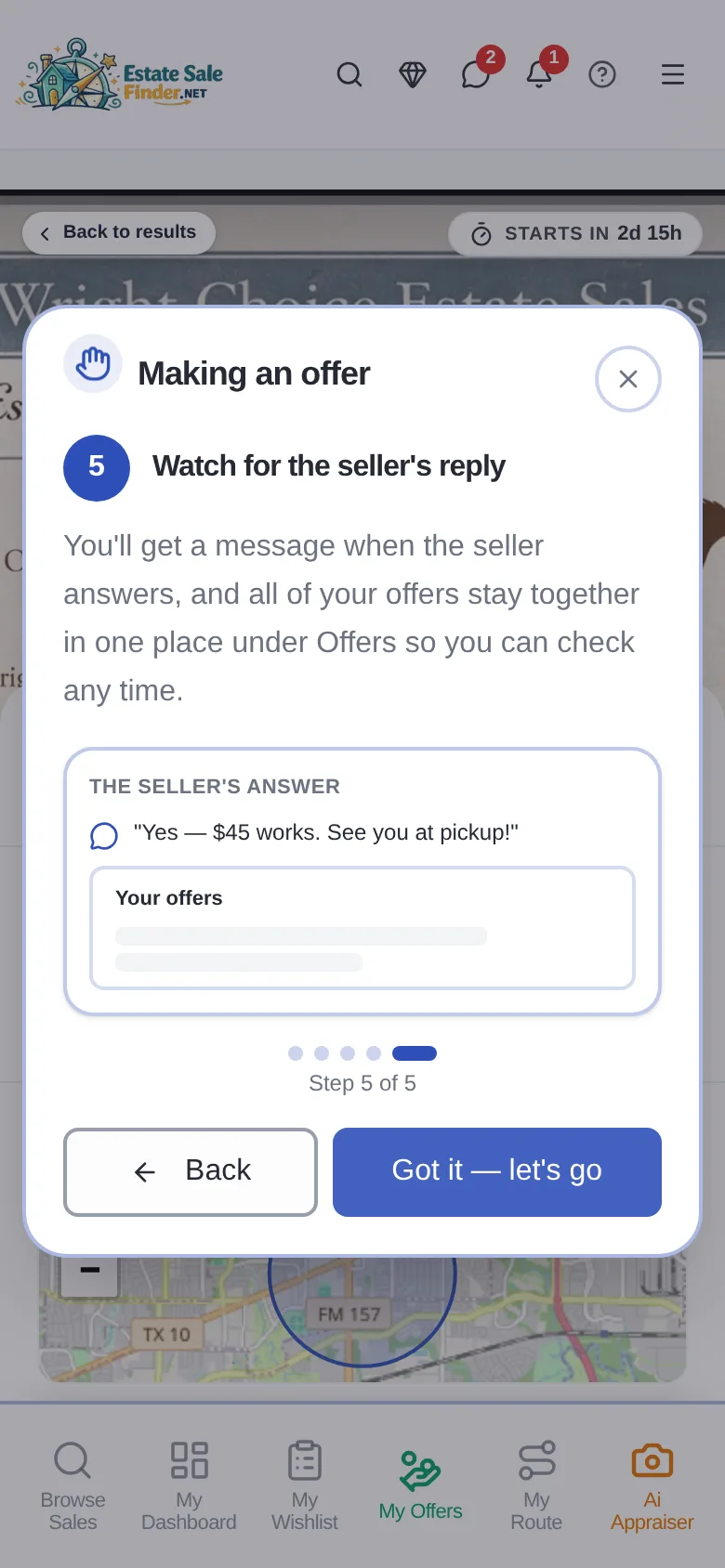
The seller accepts, counters or declines each item. You get a message, and every offer stays together in My Offers, where you can accept or counter.
- 1Watch for the seller's reply message.
- 2Open My Offers to see each item's status.
- 3Accept a counter, or counter back.
Where to find it: My Offers in the bottom bar.
Chapter 10 · VIP pickup day
What is a VIP pickup day?
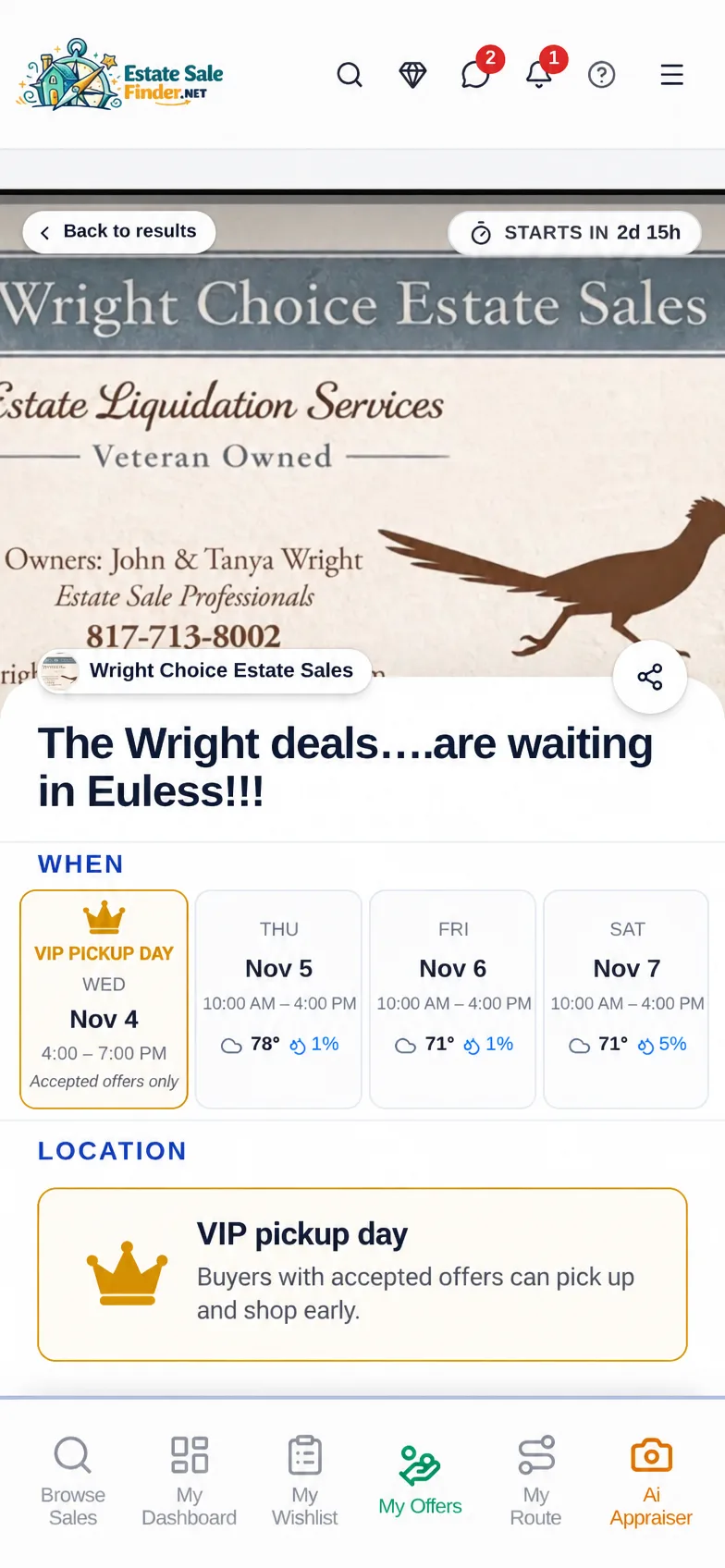
When a seller runs one, buyers with accepted offers can come early to pick up their items and shop before the public sale.
- 1Get an offer accepted.
- 2Look for the VIP pickup day on the sale page.
- 3Arrive in that window to pick up and shop early.
Where to find it: The WHEN section of the sale page.
Chapter 11 · Pickup times
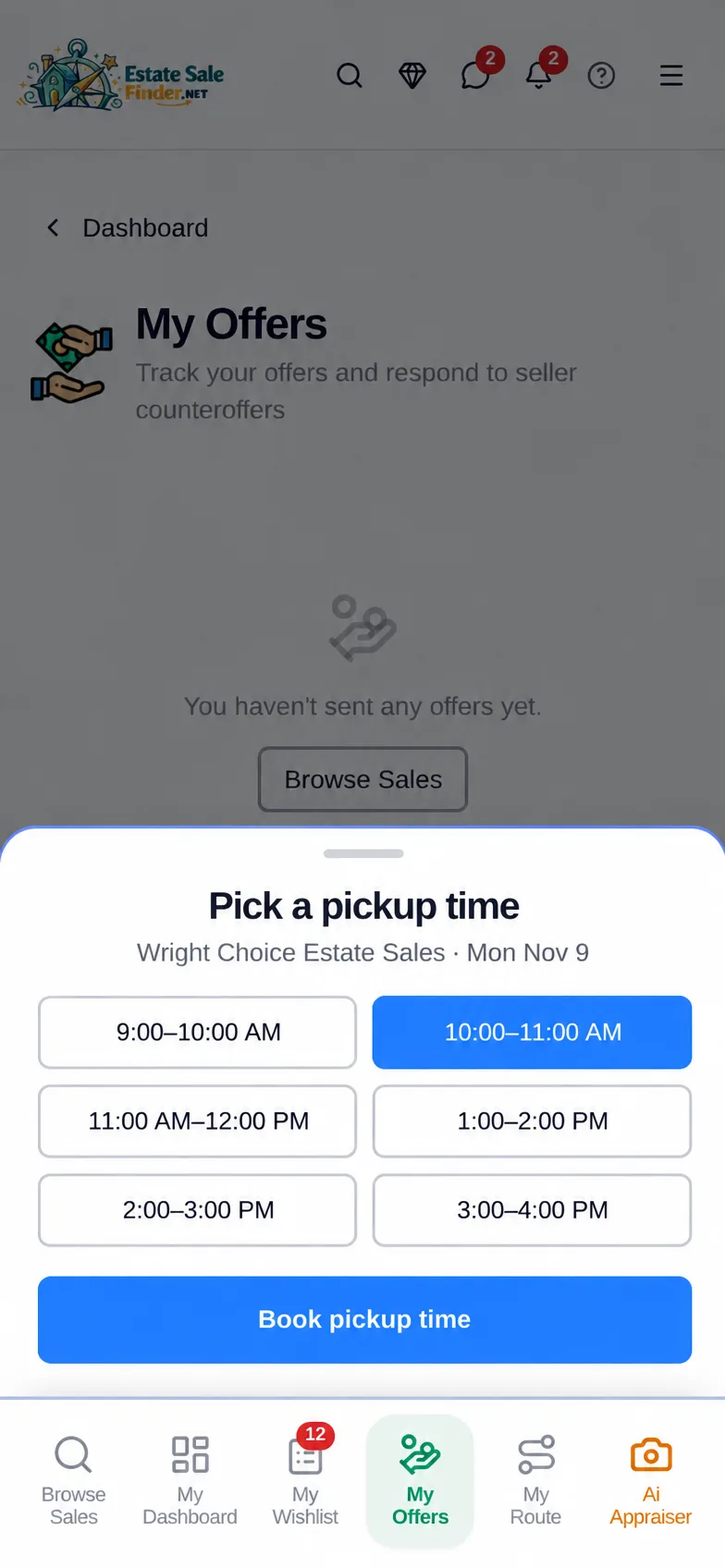
How do I book a pickup time?
For items you bought with an offer, pick one of the pickup times the seller opened and book it.
- 1Open your accepted offer in My Offers.
- 2Pick a time that works for you.
- 3Tap Book pickup time.
Where to find it: My Offers, on accepted offers.
Chapter 12 · After-sale offers
Can I make an offer after the estate sale ends?
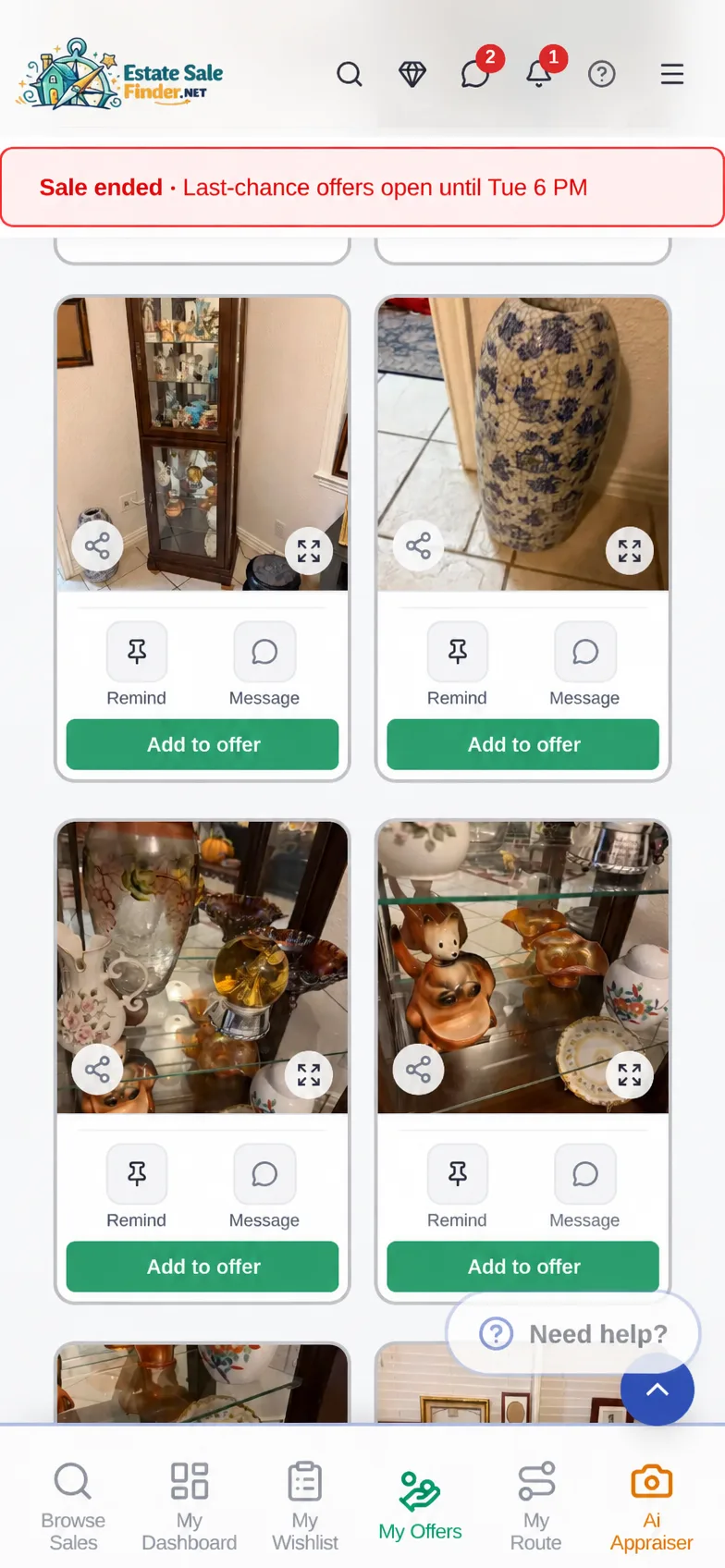
Some sellers open last-chance offers after the sale. Items that didn't sell can be added to an offer until the window closes.
- 1Open a sale that just ended.
- 2Look for the last-chance offers banner and its closing time.
- 3Tap Add to offer on unsold items and submit.
Where to find it: Ended sale pages, while the seller's after-sale window is open.
Chapter 13 · My Offers
Where do I see all my offers?
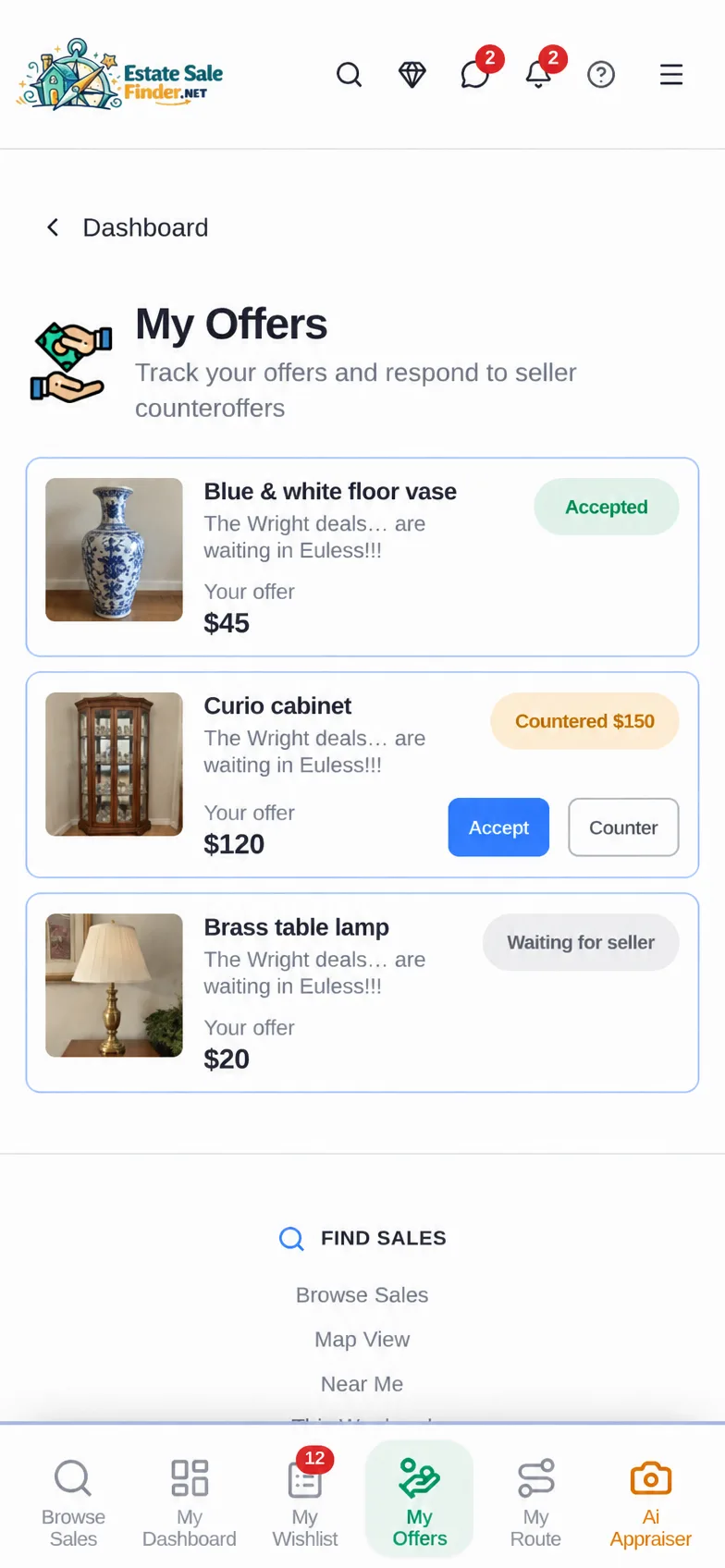
My Offers keeps every offer in one place with its status, like Accepted, Countered or Waiting for seller.
- 1Tap My Offers in the bottom bar.
- 2See each item, your offer and its status.
- 3Answer counters right from the card.
Where to find it: My Offers in the bottom bar.
Chapter 14 · Ai Appraiser
How can I tell what an item is worth at an estate sale?
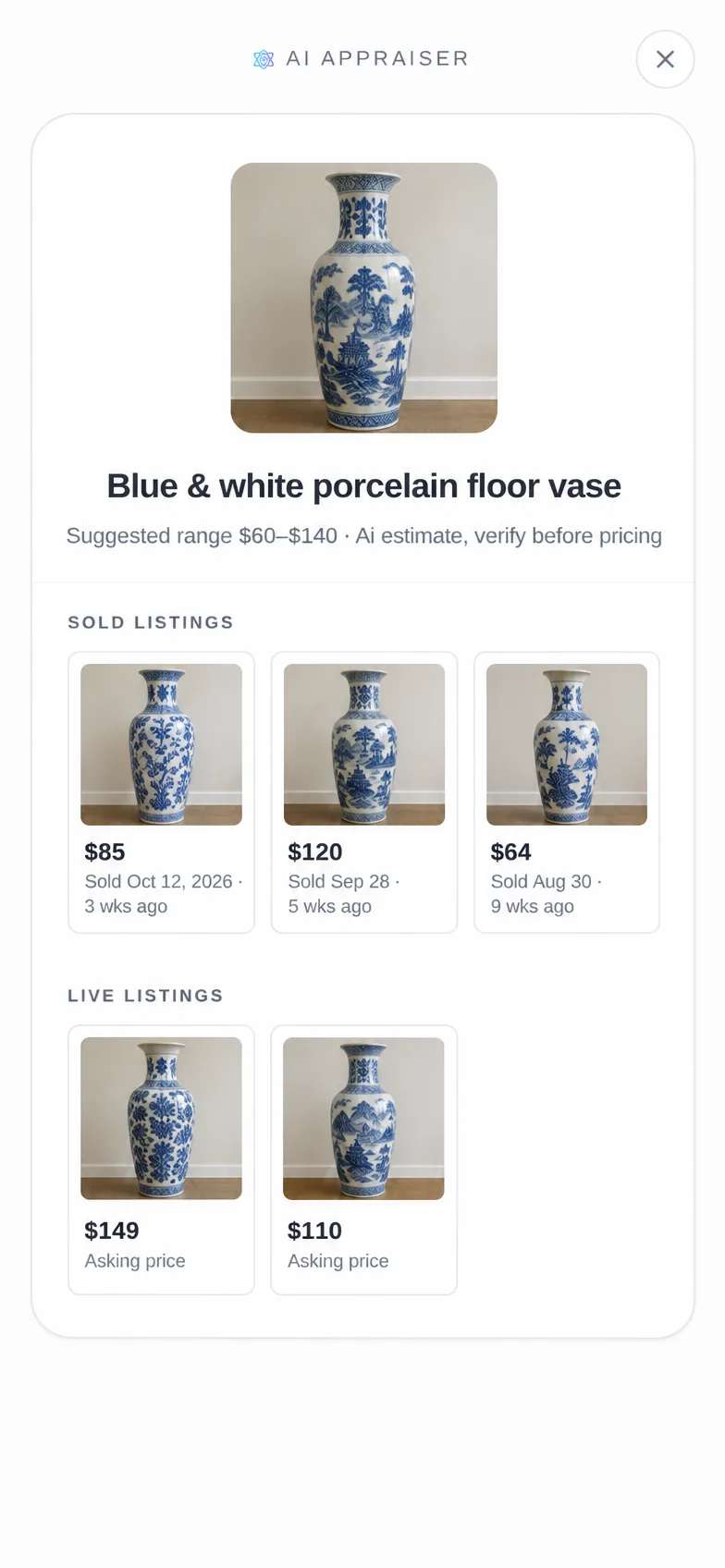
Snap or upload a photo. The Ai Appraiser names the item, gives a suggested range, and shows sold listings with their sold dates plus live listings.
- 1Tap Ai Appraiser, then Take a Photo or Upload a Photo.
- 2See what it is and a suggested range.
- 3Check Sold listings (with when they sold) and Live listings.
Where to find it: Ai Appraiser in the bottom bar. Prices are suggestions, so verify before you buy.
Try the Ai Appraiser
What it looks like in the app
Common questions
Is EstateSaleFinder free for shoppers?
Yes. Finding sales, saving them, wishlist alerts, routes, messaging and offers are free for shoppers.
Am I charged when I make a Pre-Offer?
No. Nothing is charged when you offer. You pay the seller the way their terms say once an offer is accepted.
Why don't I see Add to offer on a sale?
The seller decides if and when offers are open. Some only take offers on items with printed tags.
Why is the sale address hidden?
Some sellers hide the address until closer to the sale. The sale page says when it will appear.