
Your Online Estate Auction, With Less Busywork and More Ways to Be Seen
Goodbye, scattered photos and repeat data entry. Bring your Bid On Everything or BidRustBelt auction inventory, photography, and marketing together with EstateSaleFinder.
An estate full of great finds is exciting. A camera roll full of unnamed photos, a half-finished spreadsheet, and an auction catalog that still needs typing? Not so much.
We're excited to announce that EstateSaleFinder has teamed up with Tammy and Alex of Bid On Everything and Rust Belt Revival Online Auctions at BidRustBelt.com. Now their approved sellers can organize auction lots, use our Ai tools, prepare their marketing, and send auction drafts straight from EstateSaleFinder to either website.
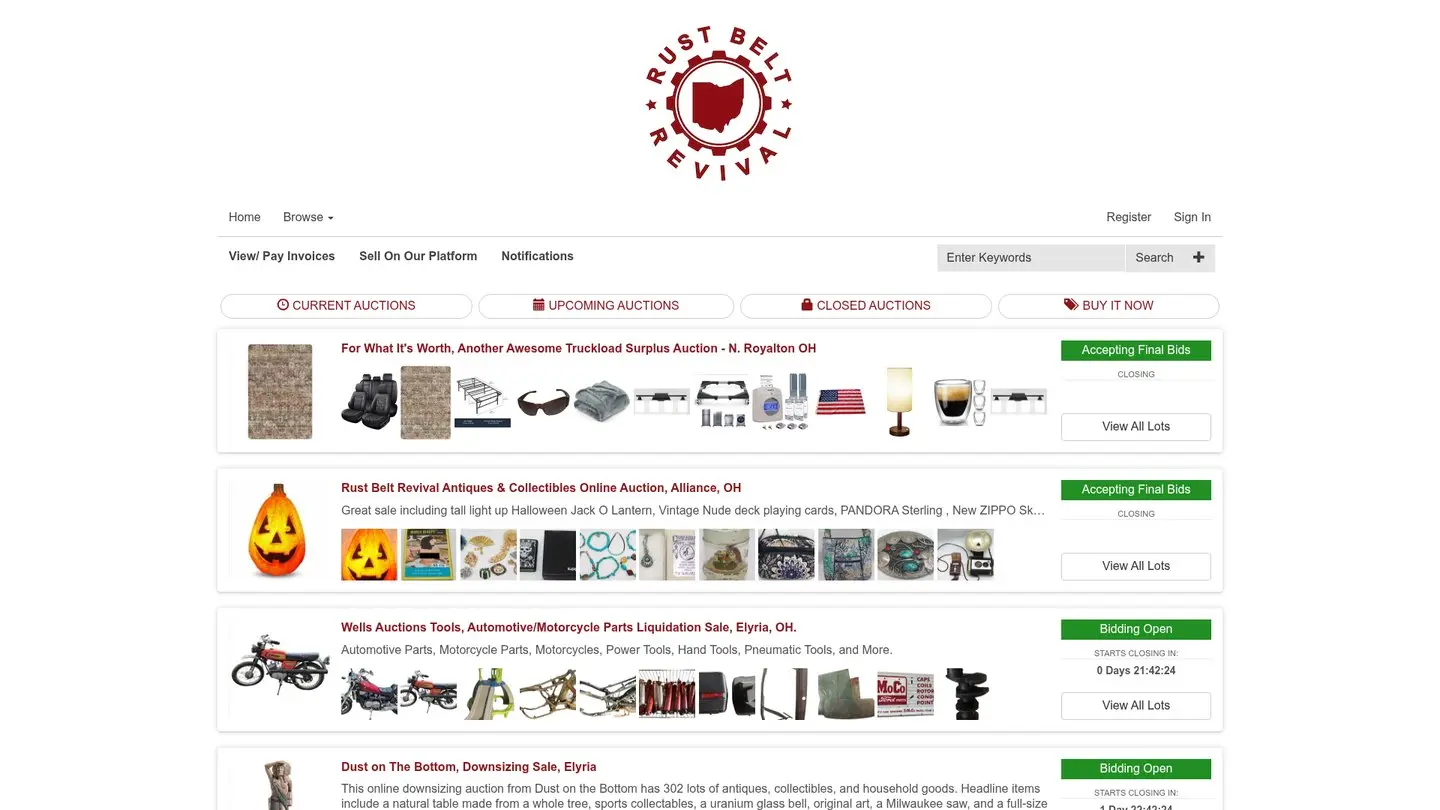
Here's the simple idea: prepare and promote here; publish and run bidding on BidOnEverything.com or BidRustBelt.com. EstateSaleFinder adds another place for shoppers to discover your online estate auction, without changing where they bid.
Two auction websites. One easier way to get ready.
Bid On Everything and Rust Belt Revival Online Auctions are the only authorized auction companies allowed to list online auctions on EstateSaleFinder. To get started, you'll need an approved seller account on BidOnEverything.com or BidRustBelt.com, plus an eligible EstateSaleFinder subscription.
Already sell on one of those websites? Bring your catalog preparation into EstateSaleFinder and connect your account in Auction Sites settings.

Tag and Go: less typing, more cataloging
Walk into a room, photograph an item, review the Ai-assisted title, and add it to your inventory. Keep moving instead of saving all the sorting for later.
Tag and Go brings photos, suggested titles, notes, and inventory labels into one session. Back at your desk, review your auction lots, drag them into the order you want, and number the catalog before sending it.

It's especially useful when a crew is working through the same property. Owners and teammates with permission can work from the same company inventory rather than piecing together separate camera rolls. Private consigner records stay in your management tools, not on bidder pages.
Ai helps with the first draft; you stay in charge. Check titles, maker names, condition details, and any suggested prices before printing or publishing.
Build it once. Send it. Review it. Publish it.
Your photos and descriptions shouldn't need to be typed into two catalogs.
Once you've connected your approved Bid On Everything or BidRustBelt account, EstateSaleFinder can send your auction details and lots to that website as an unpublished auction draft. Open it on BidOnEverything.com or BidRustBelt.com, check the details, and publish when you're ready.
That means less repeat entry, a more organized handoff, and a final review before anything goes live. Sending a draft does not automatically publish your auction.
Give the right shoppers more ways to find your lots
Someone hunting for a particular camera, glass maker, or collectible may never search for your company's name. They search for the item.
EstateSaleFinder's keyword search helps shoppers discover published auctions and visible lots by what they're looking for. Clear titles and useful descriptions give those searches something meaningful to match. When a shopper is ready to bid, the listing sends them to BidOnEverything.com or BidRustBelt.com.

Editorial illustration of lot photography and promotional preparation.
Discovery is just one piece. Pro-and-above subscriptions also bring marketing tools together so you're not starting from a blank page every time:
- Sale Marketing Reports: find standout inventory, audience ideas, and practical ways to promote the sale.
- Item Marketing Reports: explore collector audiences and story angles for promising lots, with research links you can review.
- Social Studio: turn inventory photos into visual posts and promotional copy.
- Newsletter tools: send branded announcements and updates to your own audience.
- Website embeds: keep current sales visible on your company website.
- Analytics: see views, saves, audience activity, and available marketing and auction-lot results to help you understand what's getting attention.
The goal isn't to promise a particular bid count. It's to help you present the inventory well and put it in front of more interested shoppers. See the current plan comparison for individual feature availability.
Estate Pro+: a little extra help for a big catalog
When you're processing a whole home's contents, small improvements add up.
Your personalized Ai assistant can be tailored to your company's services and working preferences, helping you draft marketing language and work through everyday questions.
Batch background removal helps clean up groups of lot photos for a more consistent presentation, without editing every background individually. Original photos are saved so you can restore them. Always review the results, particularly around glass, reflective metal, and fine edges.
Both are included with Estate Pro+. They're designed to support your judgment, not replace it.
Ready to put your next auction together?
- Set up your auction account. Register with Bid On Everything or register with BidRustBelt and complete seller approval.
- Create your EstateSaleFinder seller account. Choose an eligible Pro-and-above plan, including Booth Max where applicable.
- Connect and catalog. Open Auction Sites settings, connect your approved account, enter the required auctioneer license number, and start adding lots.
- Send and launch. Review the draft on BidOnEverything.com or BidRustBelt.com, publish there, and use EstateSaleFinder to help shoppers discover the auction.
Less time rebuilding a catalog. More time making the inventory look its best. That's the workflow we're excited to bring to your next online estate auction.
Questions & answers
Frequently asked questions
Do I need an account on Bid On Everything or BidRustBelt first?
Yes. You'll need an approved seller account on BidOnEverything.com or BidRustBelt.com, as well as an EstateSaleFinder seller account. An EstateSaleFinder account alone does not let you publish on either auction website.
Can I list an auction from another auction company?
No. Bid On Everything and Rust Belt Revival Online Auctions are the only authorized auction companies allowed to list online auctions on EstateSaleFinder.
Where do customers bid and pay?
On BidOnEverything.com or BidRustBelt.com, depending on where you publish. EstateSaleFinder helps shoppers find the auction and links them to that website. Bidder registration, bidding, payment, buyer's premium, and pickup or shipping terms are handled there—not on EstateSaleFinder.
Will my auction go live as soon as I send it?
No. EstateSaleFinder sends an unpublished draft to your connected Bid On Everything or BidRustBelt account. You review the auction and lots on that website and decide when to publish.
Can shoppers search for individual lots?
Yes. EstateSaleFinder keyword search can surface published auctions and visible lots. Use accurate maker names, categories, and item descriptions so shoppers can find what interests them.
Which subscription do I need?
The online-auction workflow is available to eligible Pro-and-above sellers, including Booth Max. Estate Pro+ adds the personalized Ai assistant and batch background removal. The pricing page shows current plans and feature details.
What does Tag and Go do for an auction catalog?
It helps you photograph items, review Ai-assisted titles, add notes, and create inventory labels while working through the estate. You can then organize and number the lots before sending the catalog to BidOnEverything.com or BidRustBelt.com. Check every Ai suggestion before using it.
Can my teammates help?
Yes. The company owner can grant online-auction access and the permissions needed to create lots or send auctions. Teammates use the company's eligible subscription and connected Bid On Everything or BidRustBelt account; they aren't shown the saved password.
Do bidders see my consigner information?
No. Consigner records stay private in your company management tools. They are not shown on public EstateSaleFinder pages or sent to BidOnEverything.com or BidRustBelt.com.
Why won't my Bid On Everything or BidRustBelt account connect?
First, check that you can sign in directly on BidOnEverything.com or BidRustBelt.com. If EstateSaleFinder shows “Needs site approval,” ask the team at the website you're using to enable automatic listing access. Then try connecting again in Auction Sites settings. Never send your password in a Help message.
Do I need an auctioneer license number?
The current connection requires an auctioneer license number before sending an auction to BidOnEverything.com or BidRustBelt.com. Confirm the licensing requirements for your location and auction before getting started.
Who should I contact if I need help?
For cataloging, Tag and Go, or sending a draft, use EstateSaleFinder Help and share the auction name, the website you're sending to, and the message you see. For seller approval, a live auction, bidding, or payment, contact Bid On Everything or BidRustBelt.
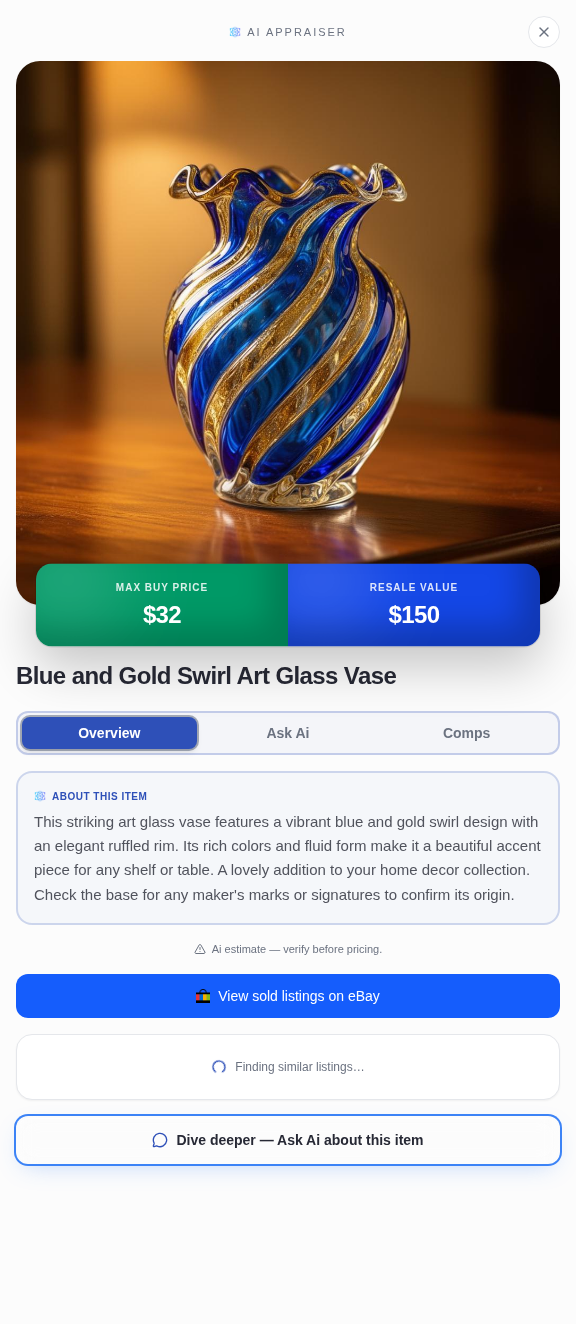
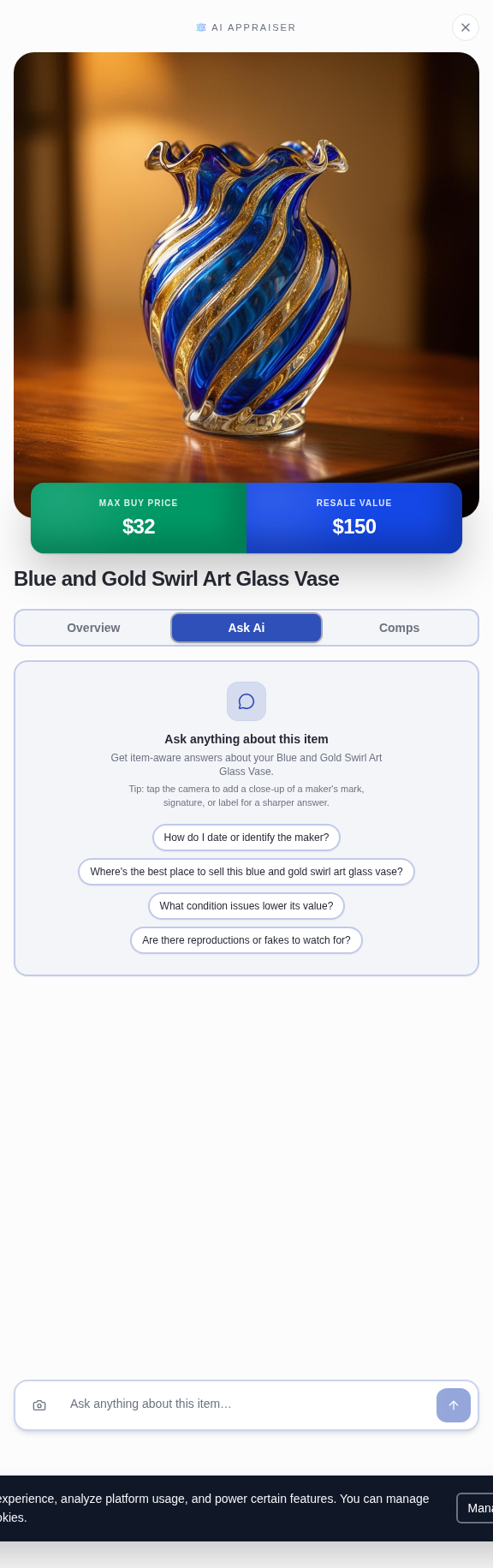
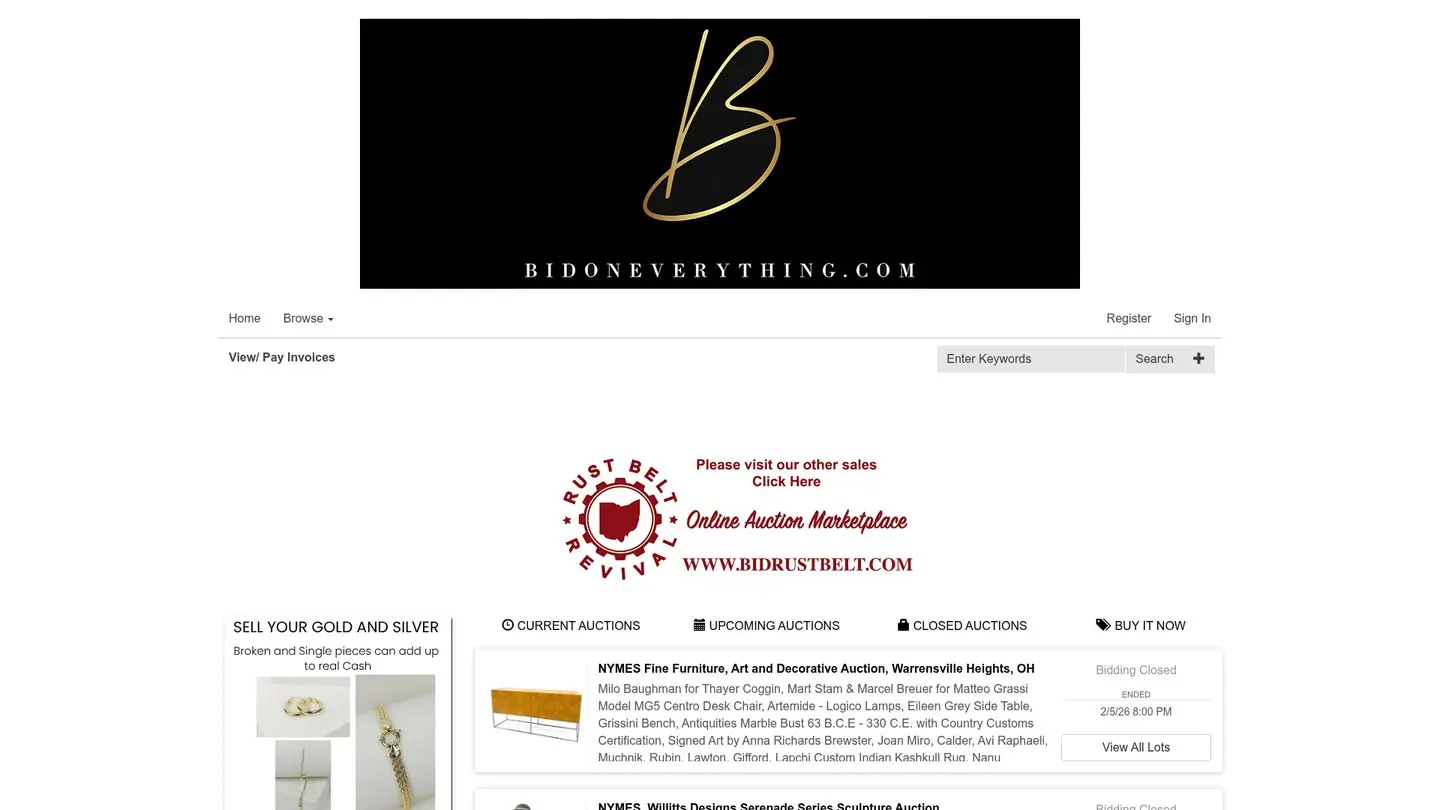
Image notes: the opening photograph and marketing still life are editorial illustrations. Bid On Everything and BidRustBelt logos and website views come from their public websites. The Tag and Go image demonstrates the inventory-labeling workflow.
Keep exploring
Ready to start your own treasure hunt?
Discover estate sales near you and find incredible deals.
Explore Sales Near Me
About the author
Andy
Founder, EstateSaleFinder.net
Hi, I'm Andy — a retired commercial photographer turned developer with a five-year (and counting) obsession with estate sales. I started EstateSaleFinder.net because I knew there had to be an easier, smarter way to find and list estate sales. Now I get to chase treasure and build the tool I always wished existed.