


What to Do With a Loved One's Phone and Computer After They Die: Save the Photos, Get Past Activation Lock, Wipe the Data, Then Sell or Recycle
What to do with a deceased person's cell phone and computer: keep the line on, save photos, use Apple and Google's death request steps, wipe devices, then sell or recycle.

In this guide · 12 sectionsShow
- 01What should you do with a deceased person's cell phone?
- 02Should I cancel their phone plan right away?
- 03Did they set up a Legacy Contact or Inactive Account Manager?
- 04What documents does Apple, Google and others need?
- 05How do I save the photos and files?
- 06Can I unlock a dead person's iPhone?
- 07How to wipe a phone or computer before selling it
- 08Can an estate sale company sell old computers and phones?
- 09Selling, donating or recycling
- 10A checklist for families
- 11Related guides
- 12Frequently asked questions
Don't cancel the phone line or reset anything yet. First save photos and files, and check whether your loved one named an Apple Legacy Contact or set up Google's Inactive Account Manager. Then use each company's death request, which usually needs a death certificate. Wipe every device fully before you sell, donate or recycle it.
After a death, the phone and laptop are often the last things anyone wants to deal with. They're also where the photos are, where the bank sends its sign-in codes, and where a lifetime of personal information lives.
Rushing makes it worse. A factory reset can erase photos that were never backed up. Canceling the phone line can lock you out of email and bank accounts. Selling a computer without wiping it can hand someone else a stranger's tax returns.
This guide walks through the steps in the right order, what Apple and Google actually require, how to wipe each kind of device, and what estate sale companies do with phones and computers they find.
The company rules below come from Apple's and Google's own help pages, checked November 2026.
What should you do with a deceased person's cell phone?
Keep it charged, keep the line active for now, and don't reset it. Save the photos and important files first. Then check for a Legacy Contact (Apple) or Inactive Account Manager (Google). Only after the data is saved should you request account access or closure, wipe the phone, and decide whether to keep, sell, donate or recycle it.
Do these in order
Seven steps, one at a time
Step 1
Keep the phone line on
Bank and email sign-in codes often go to that number by text. Cancel later.
Should I cancel their phone plan right away?
Usually not. Many banks, email providers and government sites send sign-in codes by text to the phone number on file. If the line is canceled, those codes go nowhere, and getting into accounts the estate needs becomes much harder.
Keep the line active for a month or two while you settle accounts. Then switch the number to a family member's plan, or cancel once you've updated every account that uses it. Ask the carrier about its bereavement process; most will need a death certificate.
Did they set up a Legacy Contact or Inactive Account Manager?
Ask the family. These are tools the owner had to set up ahead of time.
Apple Legacy Contact. Someone your loved one chose to access their Apple account after death. To make a request, the Legacy Contact needs the access key Apple generated when they were chosen, plus the death certificate. A Legacy Contact can get data like photos, messages, notes, files and device backups. They can't get purchased movies, music or books, or anything stored in iCloud Keychain, which includes passwords and passkeys (Apple Support).
The access key may have been shared as a message or printed. Look in the person's papers near the will.
Google Inactive Account Manager. Google lets people choose who gets notified and what data they can download if the account goes inactive. If it was set up, the chosen people get an email from Google after a period of inactivity.
What documents does Apple, Google and others need?
| Company | What they usually ask for | What they won't give |
|---|---|---|
| Apple, with Legacy Contact | Access key + death certificate | Passwords, passkeys, purchased media |
| Apple, no Legacy Contact | Death certificate; may require a court order | Passcode removal on a locked device |
| A request through its deceased-user form, with documents it asks for | Passwords or login details | |
| Phone carrier | Death certificate; proof you're the executor or account holder | Varies by carrier |
Sources: Apple, request access to a deceased family member's account; Apple, Legacy Contact; Google, deceased user request.
Apple without a Legacy Contact. Apple says it requires and verifies legal documents, which "generally includes a death certificate, and might also require a court order" (Apple Support). Probate attorneys describe the court order Apple asks for as one that names the deceased person and their Apple ID, names the person requesting access as the legal representative, and orders Apple to assist (Dudley & Smith). If the estate is already in probate, ask the estate attorney whether this can be added.
Google. Google's form offers three choices: close the account, request funds, or obtain data. Google "cannot provide passwords or other login details," and if you close the account first, it can't release the contents later (Google). Request data before closing.
Samsung and other Android makers have their own account processes. We couldn't confirm Samsung's current steps from an official page, so check directly with Samsung before relying on what you read online.
How do I save the photos and files?
If the phone or computer is unlocked, or you know the passcode, back it up before anything else.
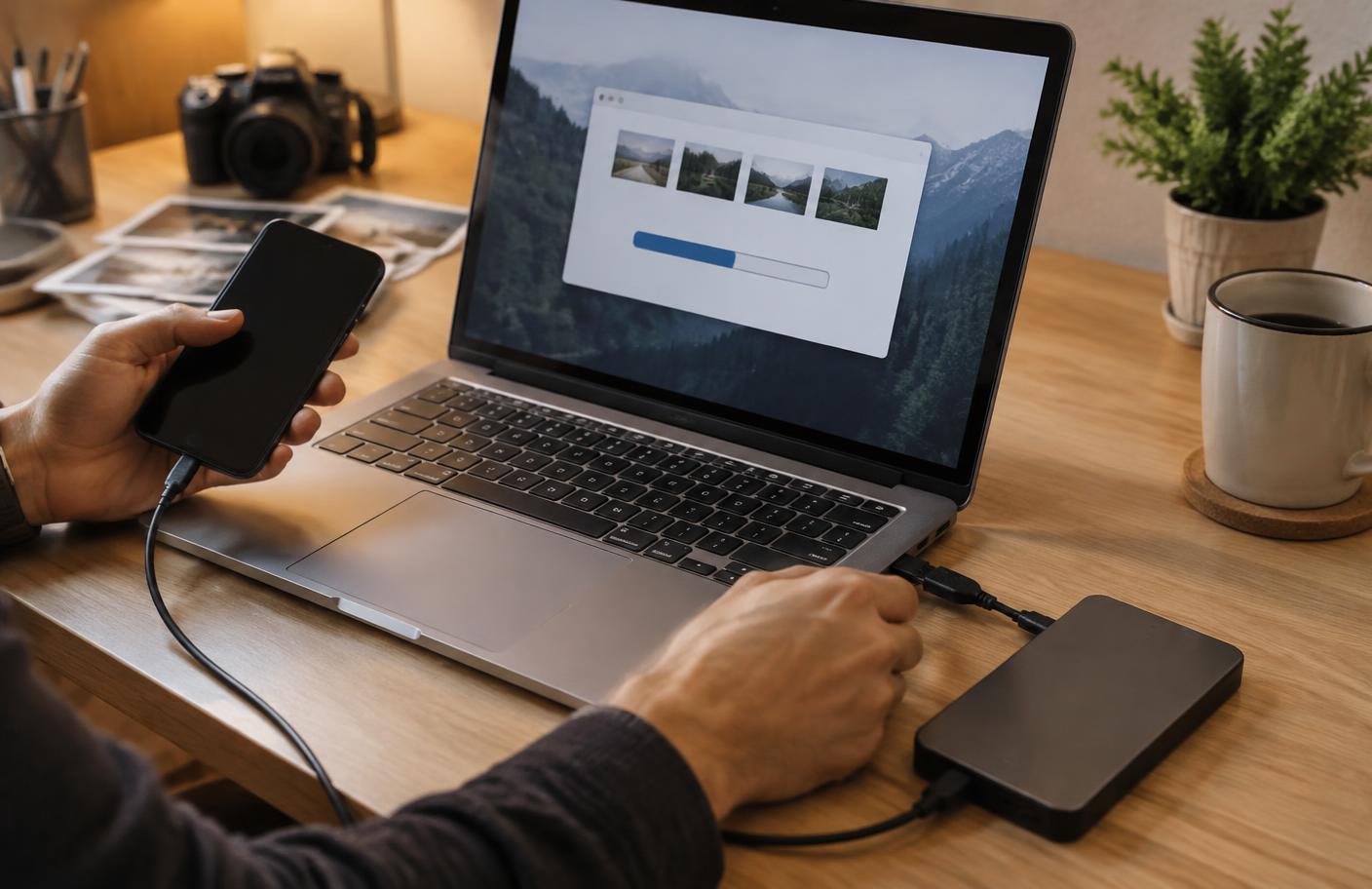
- Photos on a phone: connect it to a computer and copy the photo folder, or use the phone's own backup to a family member's cloud account.
- Computers: copy the Documents, Desktop, Pictures and Downloads folders to an external drive. Check for a second drive or old backup drives in desk drawers.
- Make two copies. One external drive and one cloud account the family controls.
- Note the accounts. Write down which email, bank and subscription services the person used. You'll need this list for the estate.
For what to do with all those photos once they're saved, see what to do with old family photos.
Can I unlock a dead person's iPhone?
Not without the passcode. Apple says devices locked with a passcode are protected by encryption, and Apple can't remove the passcode lock (Apple Support).
What Apple can help with is Activation Lock, the lock that ties the iPhone to the owner's Apple account. Activation Lock is removed automatically after a Legacy Contact request or an account-deletion request is completed. Then the device must be erased and restored before someone else can sign in.
So a locked iPhone isn't necessarily useless. It just has to go through Apple's process and be erased, and anything on it that wasn't backed up is gone.
How to wipe a phone or computer before selling it
A wiped device protects the family from identity theft. Pick the device:
Before it leaves the house
Wipe it the right way
- Remove Activation Lock first (it comes off after Apple completes a Legacy Contact or account-deletion request).
- Settings > General > Transfer or Reset > Erase All Content and Settings.
- If you don't know the passcode, Apple can't remove it; the device must be restored, which erases it.
Menu names change between software versions. Sources: Apple, NIST SP 800-88 media sanitization.
For a deeper standard, the U.S. National Institute of Standards and Technology's media sanitization guidelines (SP 800-88) describe clearing, purging and destroying storage. For most families, the device's built-in full reset, or removing and destroying an old hard drive, is enough.
Can an estate sale company sell old computers and phones?
Many will, but only wiped ones. Good companies won't sell a computer with the owner's files still on it, and many won't sell a phone that's still locked to an account, because buyers can't use it.

A simple device policy many companies follow:
- Ask the family which devices they want to keep, back up, or have wiped.
- Don't power on or browse personal devices.
- Sell only devices the family has wiped and signed out of, with chargers if available.
- For old desktops, offer to remove the hard drive and hand it to the family.
- Send anything that won't sell to a certified e-waste recycler.
Losing a device or its data during a sale is one form of theft risk; see how estate sale companies handle theft.
Selling, donating or recycling
- Sell. Newer, wiped, unlocked phones and laptops still have resale value. Old desktops and very old phones usually don't.
- Donate. Some charities refurbish computers. Wipe them first anyway.
- Recycle. Many electronics stores and local e-waste programs take old devices. Don't put batteries or electronics in the trash.
A checklist for families
- Keep the phone line active for now
- Keep devices charged; don't reset anything
- Ask family about a Legacy Contact access key or a Google notice
- Get several certified copies of the death certificate
- Back up photos and files to two places
- List the email, bank and subscription accounts
- Request data from Google before asking to close the account
- Submit Apple's request (access, or deletion to remove Activation Lock)
- Wipe every device, or remove and destroy old hard drives
- Keep, sell, donate or recycle
Related guides
Questions & answers
Frequently asked questions
Can I unlock a dead person's iPhone?
Not without the passcode. Apple can't remove a passcode lock. Apple can remove Activation Lock after a Legacy Contact or account-deletion request, but the iPhone must then be erased.
Does Apple need a court order?
Sometimes. Apple generally asks for a death certificate and may require a court order if there's no Legacy Contact. A Legacy Contact needs only the access key and the death certificate.
Should I cancel their phone plan right away?
Usually not. Sign-in codes for banks and email often go to that number. Keep the line until you've settled the accounts.
Can an estate sale company sell old computers?
Many can, once the family has wiped them. Many companies remove old hard drives and give them to the family.
How do I wipe a computer before selling it?
Use the full reset that removes everything (Windows Reset this PC with drive cleaning, or Erase All Content and Settings on newer Macs). For old drives, remove and destroy them.
Is a locked iPhone worth anything?
Very little to a buyer while it's locked to an account. Once Apple removes Activation Lock and it's erased, it can be sold like any used phone.
Company rules checked November 2026 against the help pages linked above. General information, not legal advice.
Keep exploring
Ask a company how they handle devices
Local estate sale companies can tell you which devices they'll sell once wiped, and what they do with old hard drives.
Find an Estate Sale CompanyAbout the author
Andy
Founder, EstateSaleFinder.net
Hi, I'm Andy — a retired commercial photographer turned developer with a five-year (and counting) obsession with estate sales. I started EstateSaleFinder.net because I knew there had to be an easier, smarter way to find and list estate sales. Now I get to chase treasure and build the tool I always wished existed.